
Question
- How to add a filler room
- How to fill gaps between rooms?
- How to create smaller rooms that are difficult to scan or sketch.
Answer
Steps to add a filler room:
- Open the sketch diagram and tap the Blue "+" icon in the lower right corner.
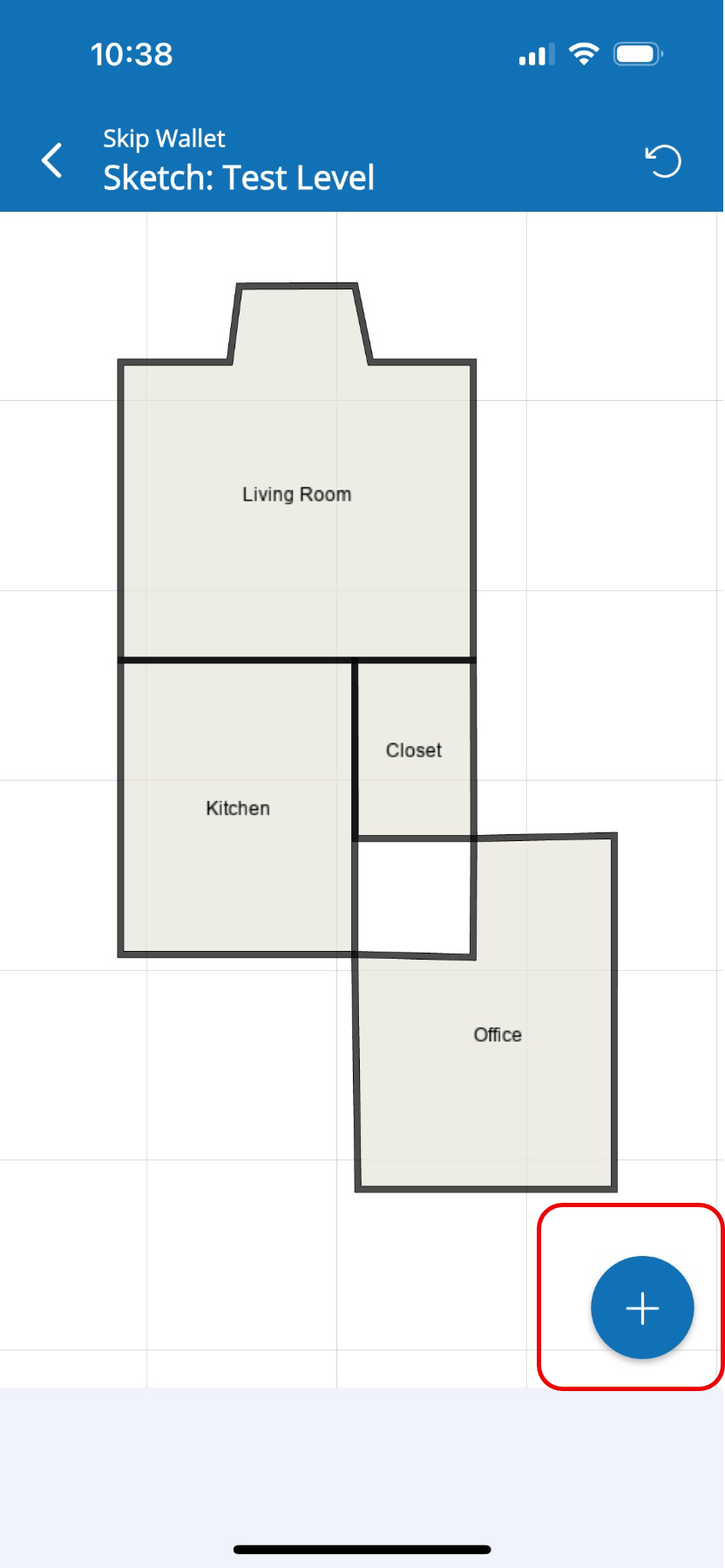
- In the menu, go to Areas and tap Room.
- Tap Filler from the options.
- Next, choose the specific section on your diagram where you'd like to add the filler room.
- Tap the north side of the filler room to modify the dimensions.
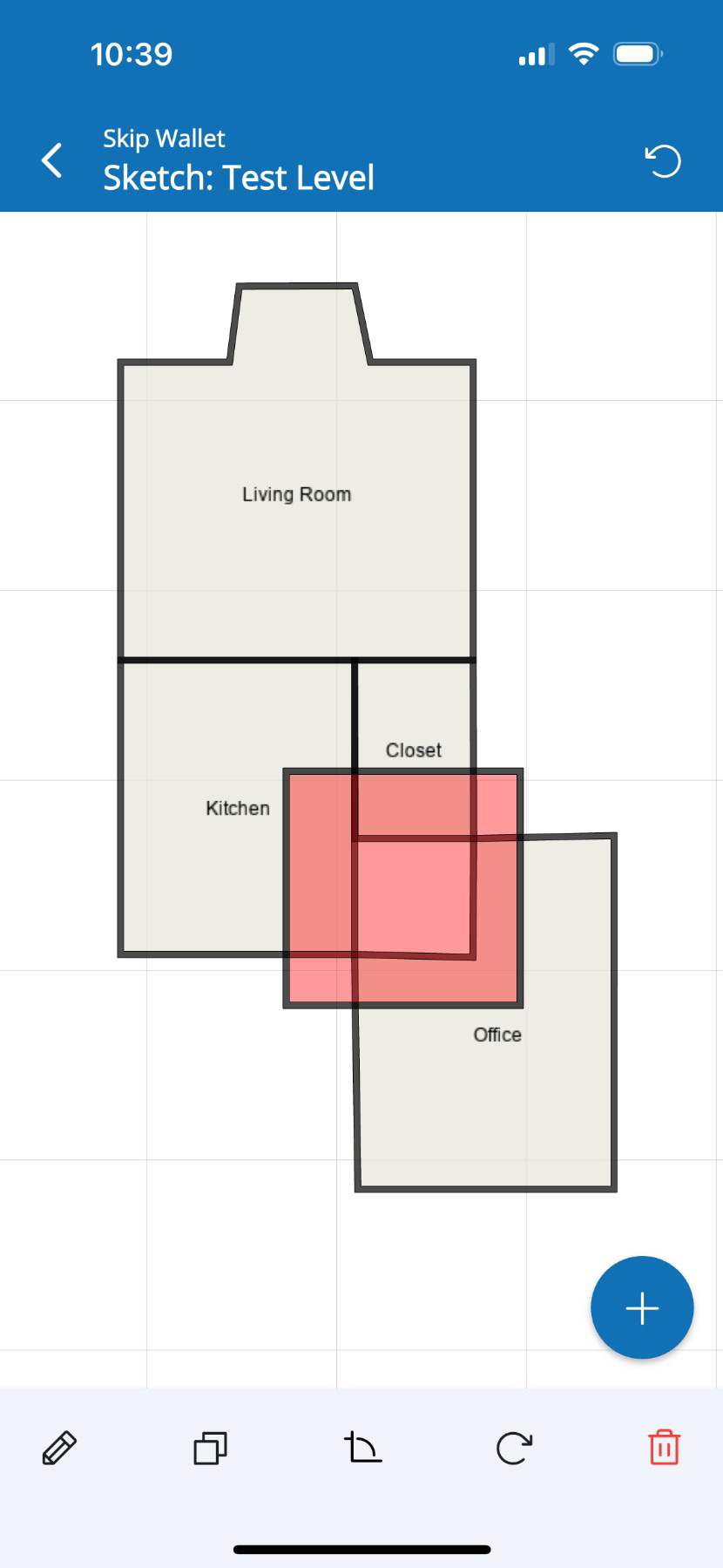
- Tap west side of the room to modify its dimensions.
- Once the room is created, tap outside the diagram to delete any remaining filler.
Questions? Contact Us!