
Question
- How to add a new level in Mitigate sketch?
- How to add a floor plan?
- How to rename a floor plan in sketch?
- How to delete a floor plan
Answer
Follow steps below to add or edit a floor plan:
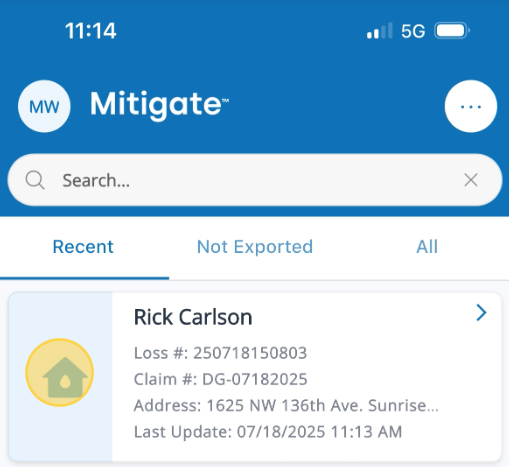
- Select a Job from the claims list.
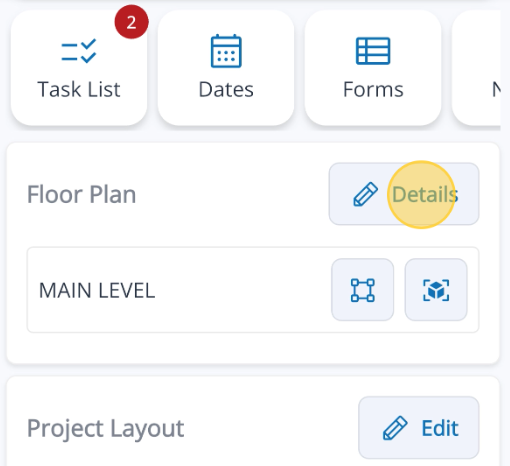
- Go to Floor Plan and tap Details to begin adding or renaming room information.
- Tap Add Level to create a new project level
- Note: here you can rename the Levels or use the trash can icon to delete Levels.
- Click the Save button to confirm your changes.
Questions? Contact Us!