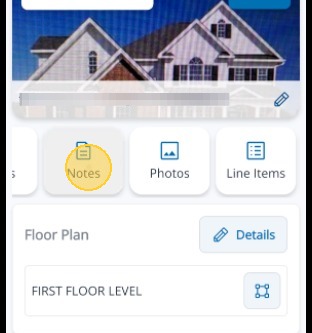
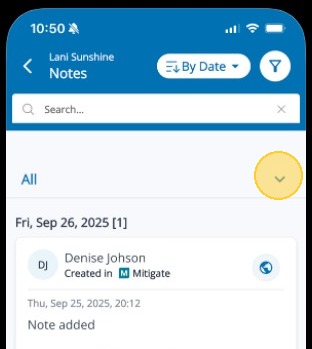
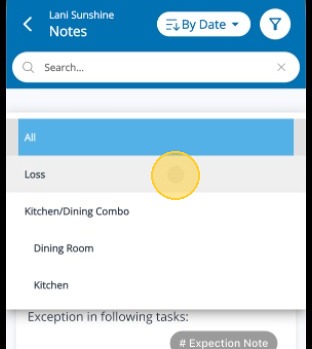
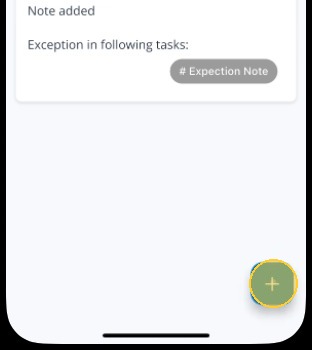
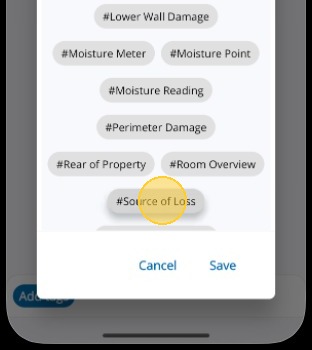
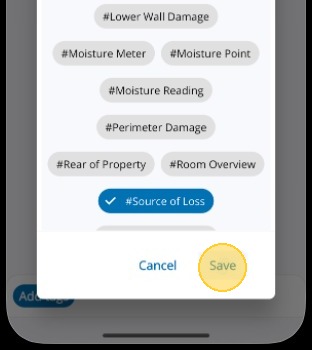
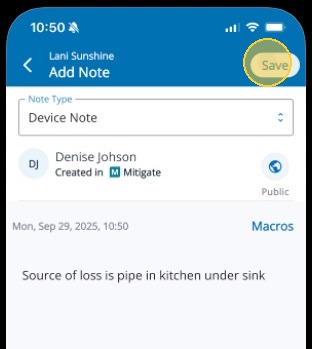
Adding Notes in Mitigate™ Modified on: Tue, 24 Feb, 2026 at 2:41 PM QuestionHow to add Notes in Mitigate™Adding notes to a loss in Mitigate mobileAdding tags to notes in MitigateAnswerMitigate | Adding a NoteThis job aid guides you through the process for adding notes to specific job areas.1. Tap the Note card to begin.2. Tap the down arrow to open the drop-down list.3. Select the area of the job you want to attach the note.4. Tap the Blue Plus Sign icon in the bottom right to add a new note.5. Enter your note and then tap Add tags.6. Select the tags to attach to the note. You can add as many as you like.7. Tap Save in the bottom right to save the tag choices.8. Tap Save in the top right to save the note.Alert: This ends the process!Questions? Contact Us!