
Question
- How to add a new door?
- How to add a new window?
- How to place doors and windows?
- How to move doors and windows?
Answer
Steps to add doors and windows in Mitigate Mobile sketch:
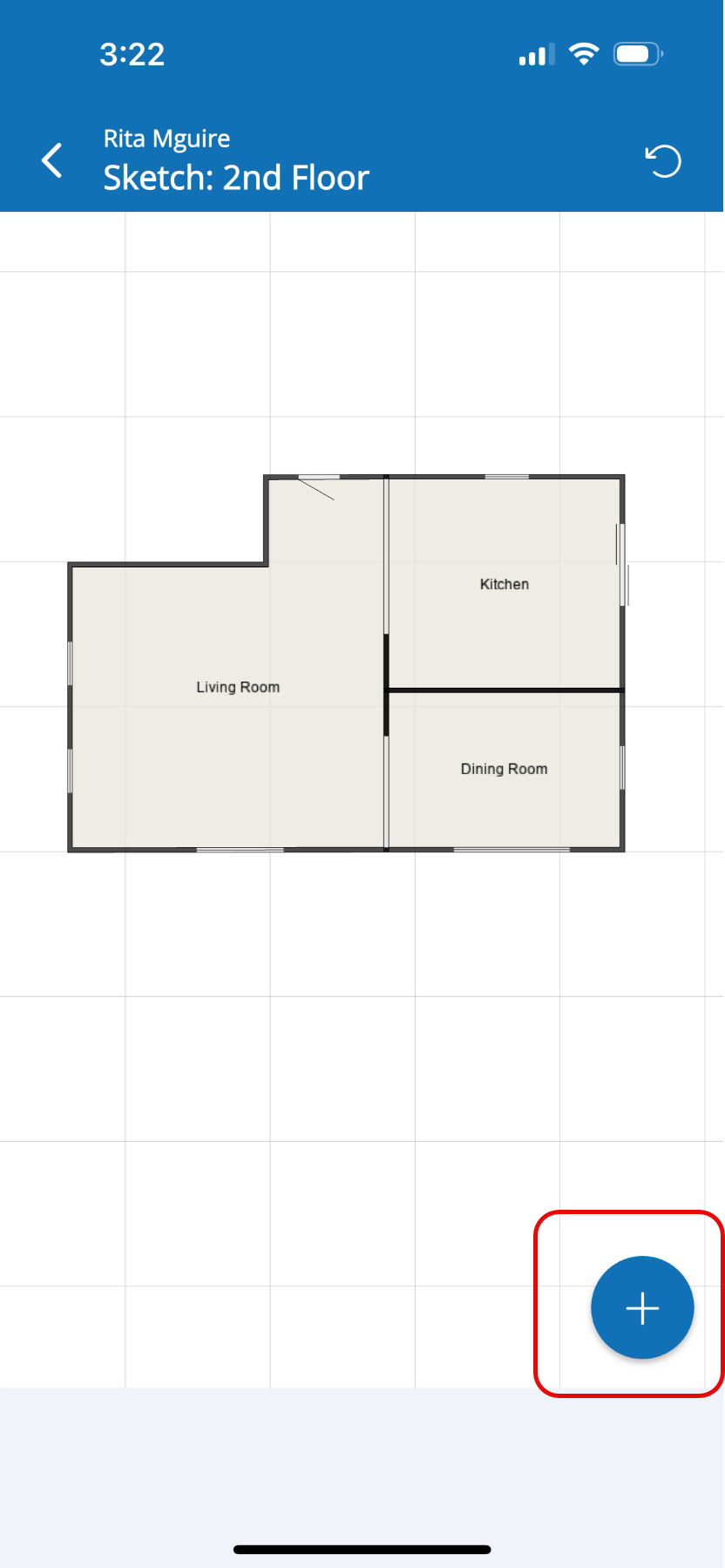
- Tap the Blue + button in the bottom right of the screen.
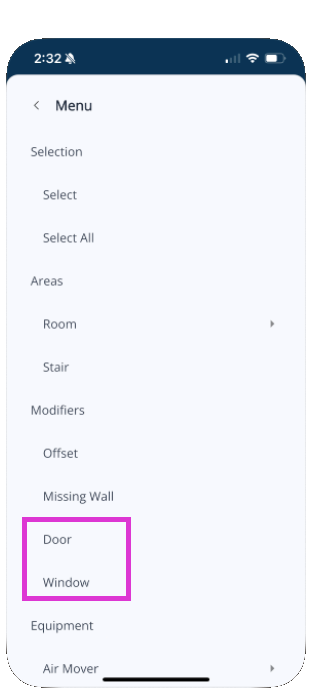
- Tap Door or Window depending on which you want to add.
- Tap the wall where you want the door or window to be placed.
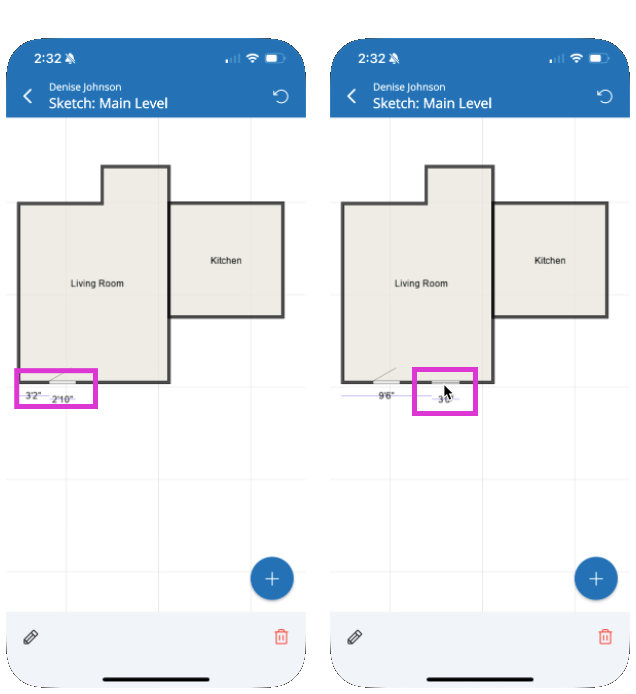
- You can slide the item in place by tapping to select it and dragging it into position.
- Tap the Pencil icon to edit the door or window type and dimensions.
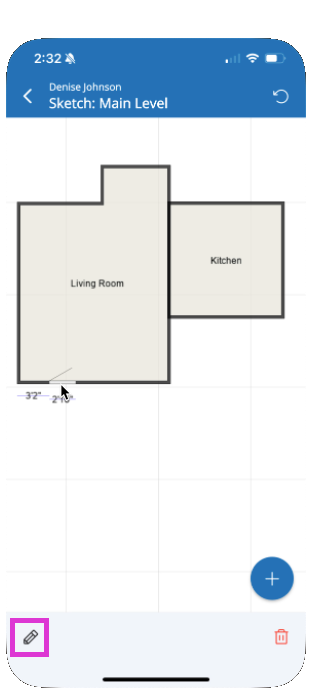
- Enter the new dimensions, start distance or type, then tap Save.
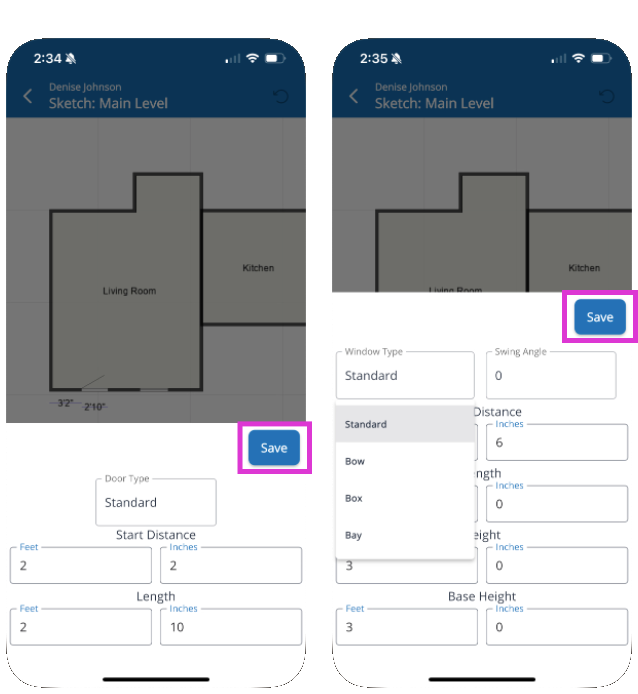
- Note how different types of doors and windows will appear differently in the diagram.
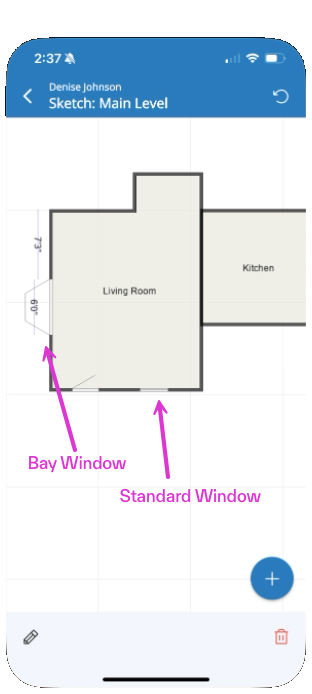
- To remove a door or window, tap it then tap the Trash Can icon to delete it
Questions? Contact Us!