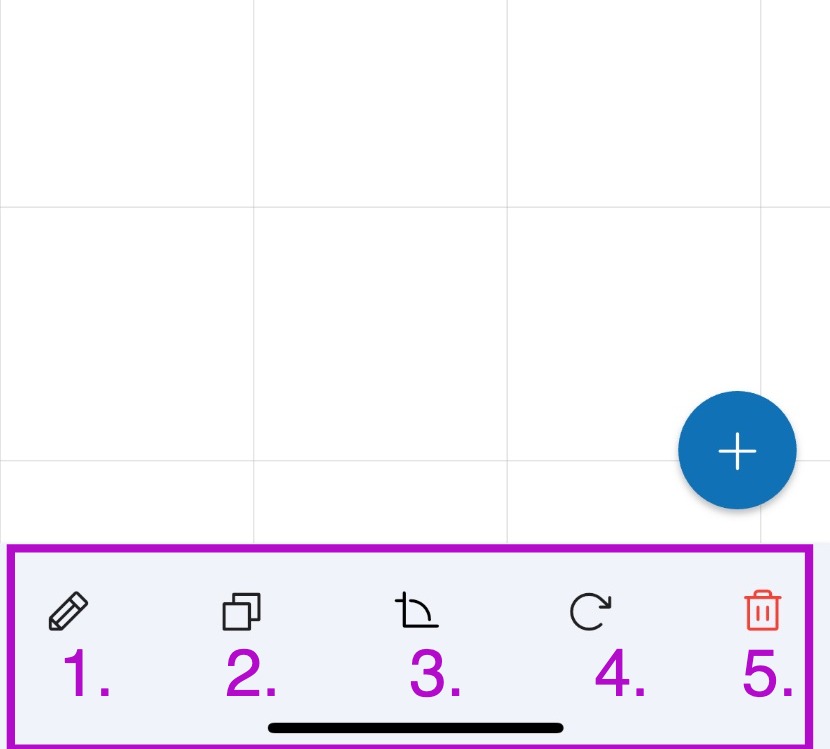
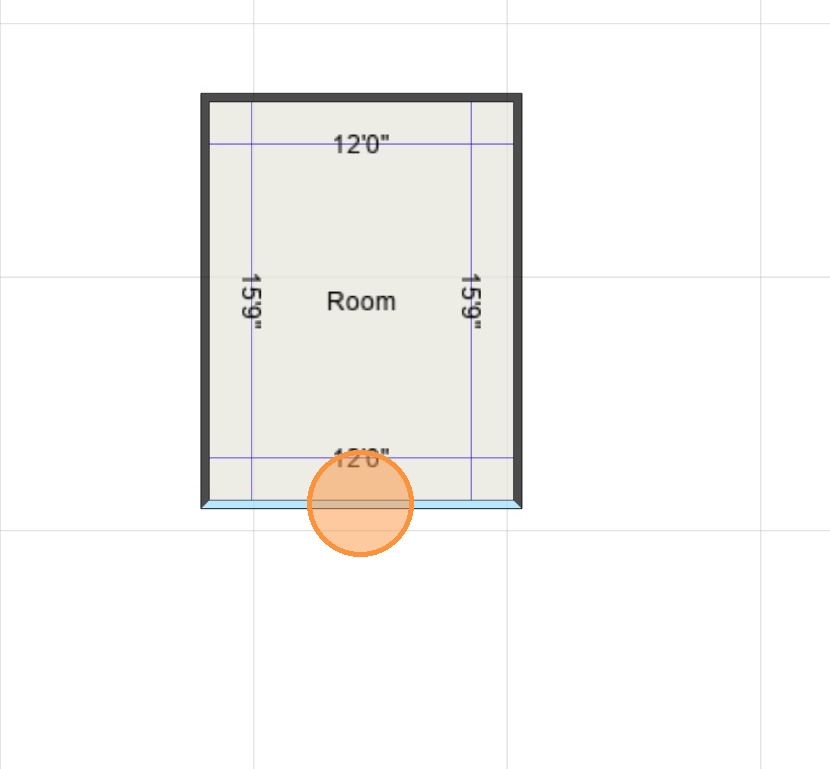
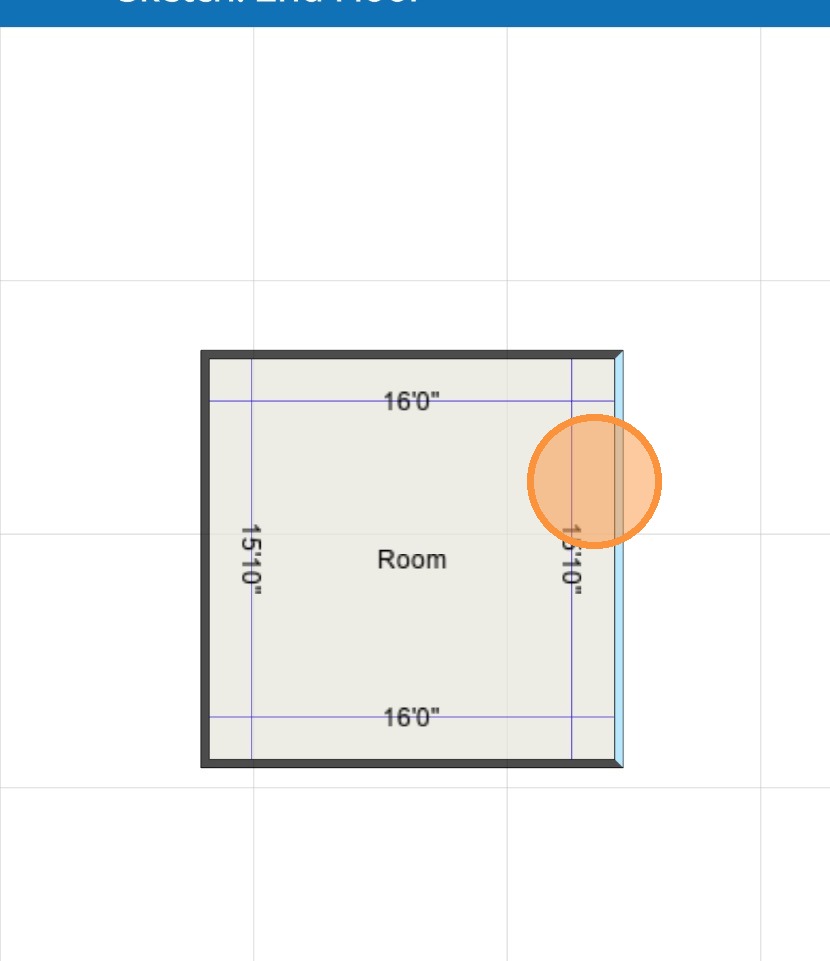
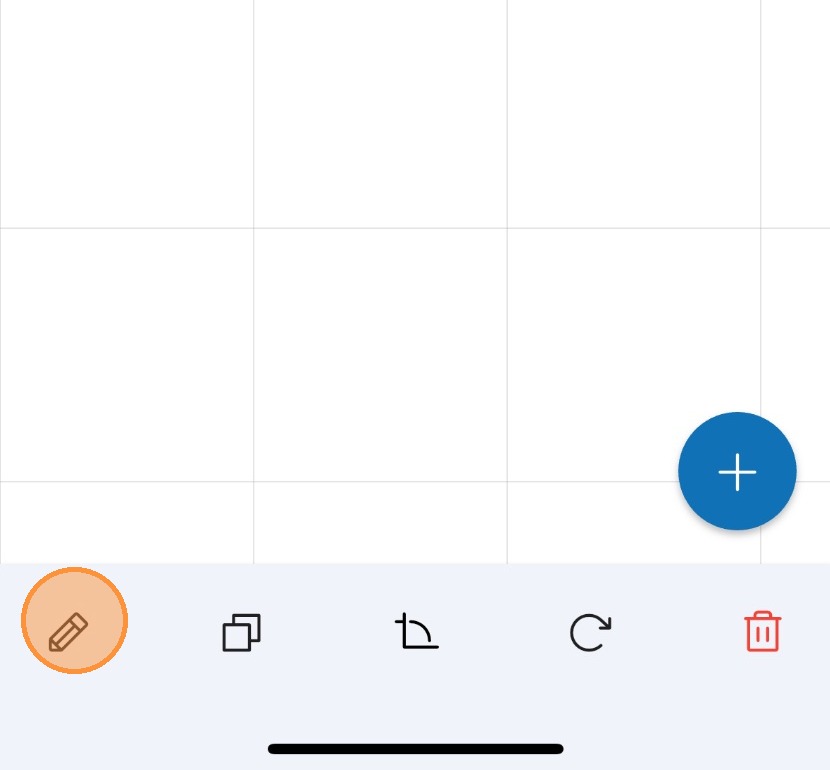
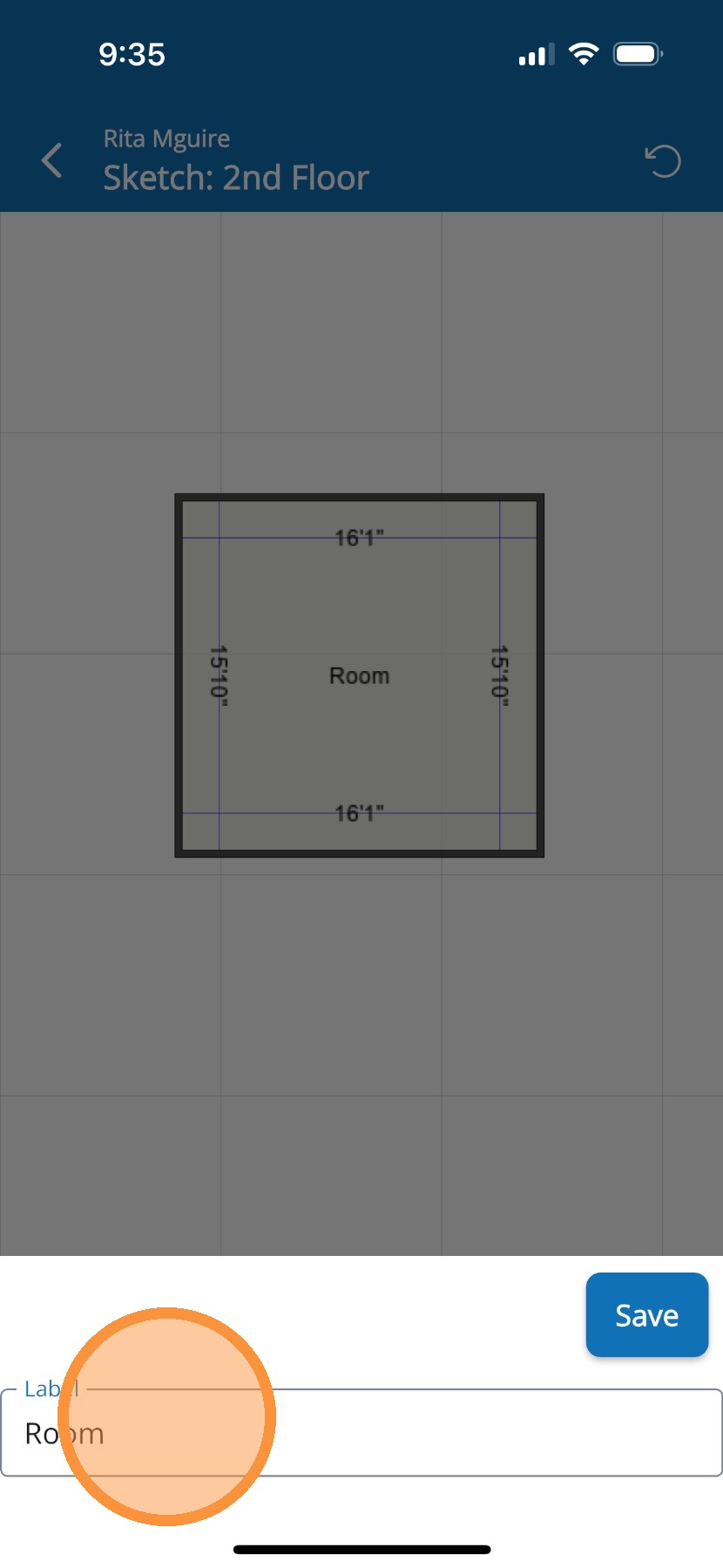
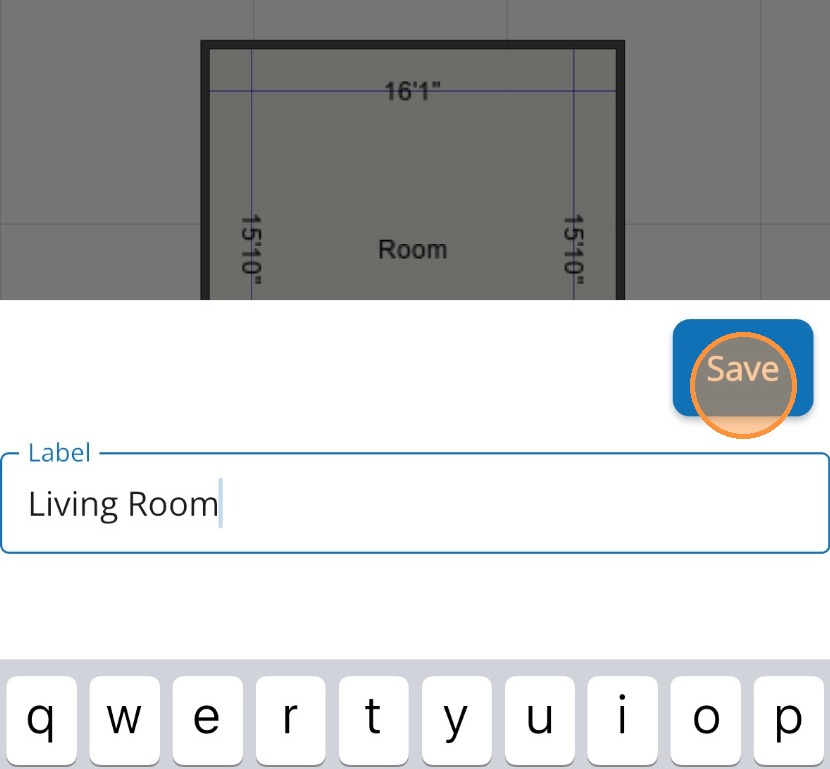
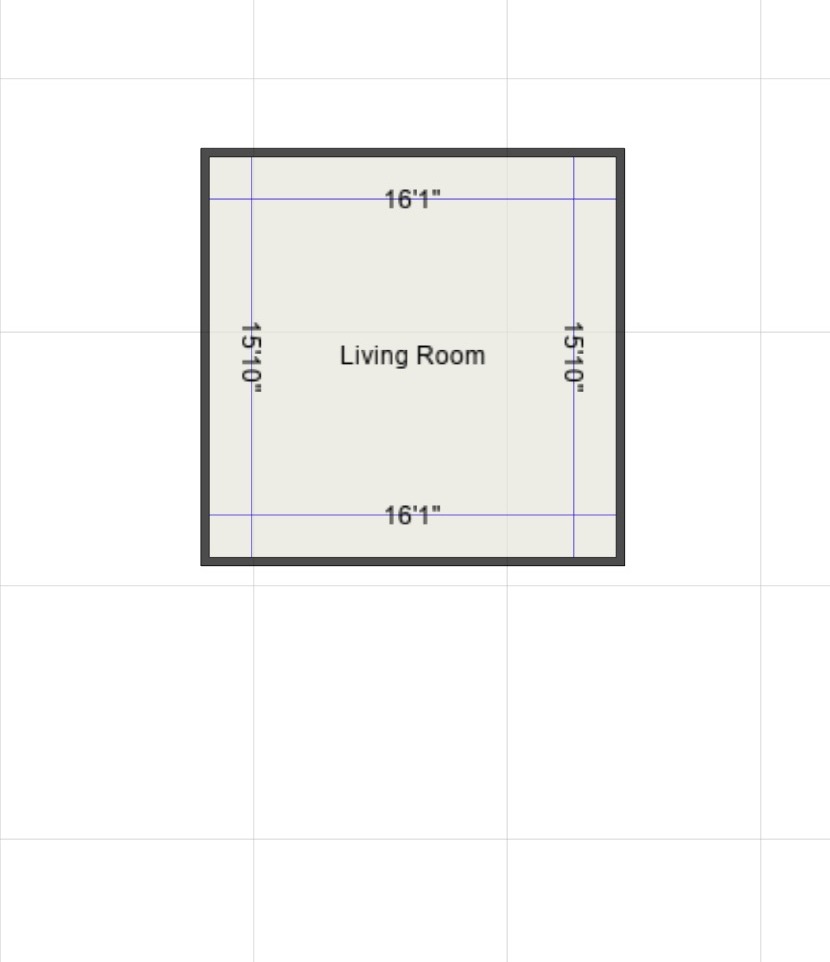
Editing a room's name and dimensions in Mitigate™ Modified on: Thu, 26 Mar, 2026 at 2:59 PM QuestionHow to edit an existing room's name in Mitigate™ mobile?How to edit a room's size?AnswerMitigate™ Sketching: Editing a Room's name and DimensionsNow that a room has been added, let's review how to name the room and set the proper dimensions1. While you are in the floor plan, locate Room options at the bottom of the screen.These options are found under the Canvas:Room RenamingCopyWall AnglesRotateDelete2. Touch and drag any wall to Edit dimensions for the room.3. Repeat the same steps with the other walls if those Dimensions need to be increased or decreased.4. Rename the room by tapping on the pencil icon found at the bottom.5. Tap where you see Room6. Enter the room name and tap Save.7. You successfully Resized and Renamed a roomAlert: This is the end of the process for resizing and renaming a room.Questions? Contact Us!