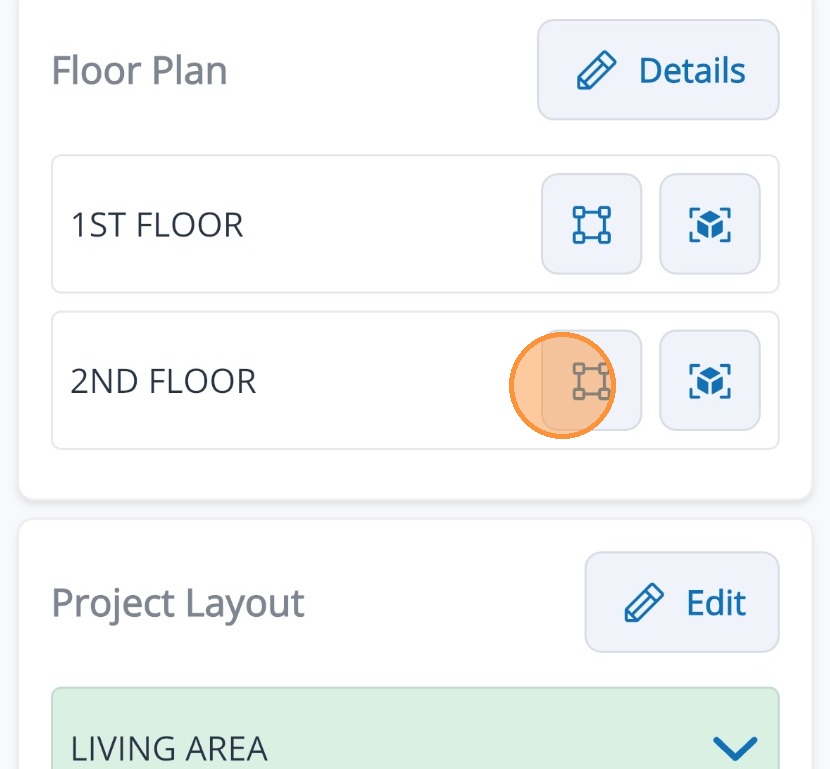
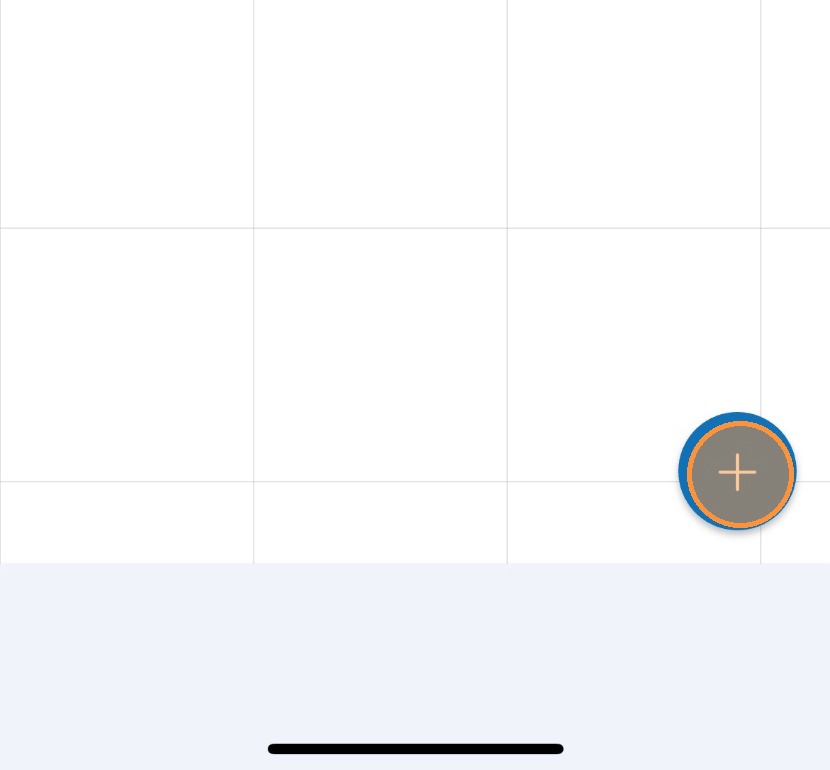
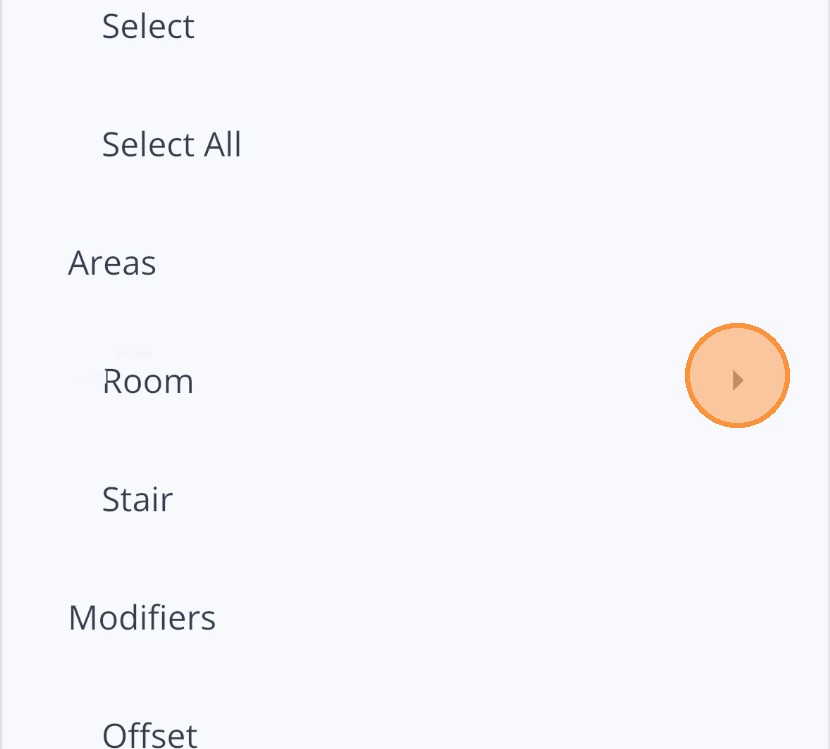
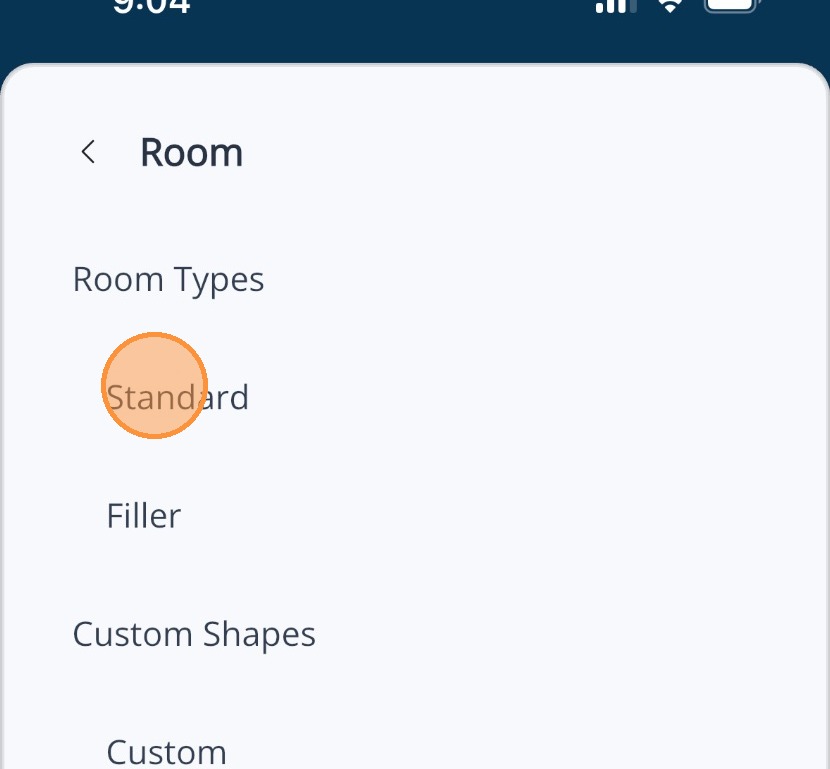
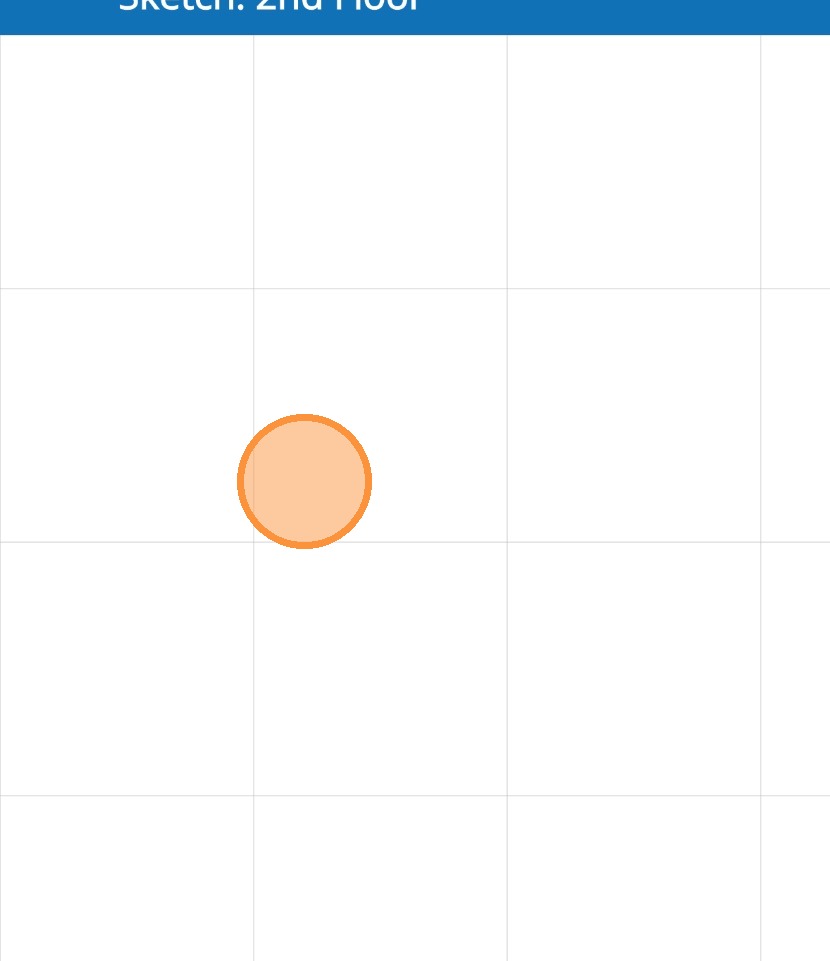
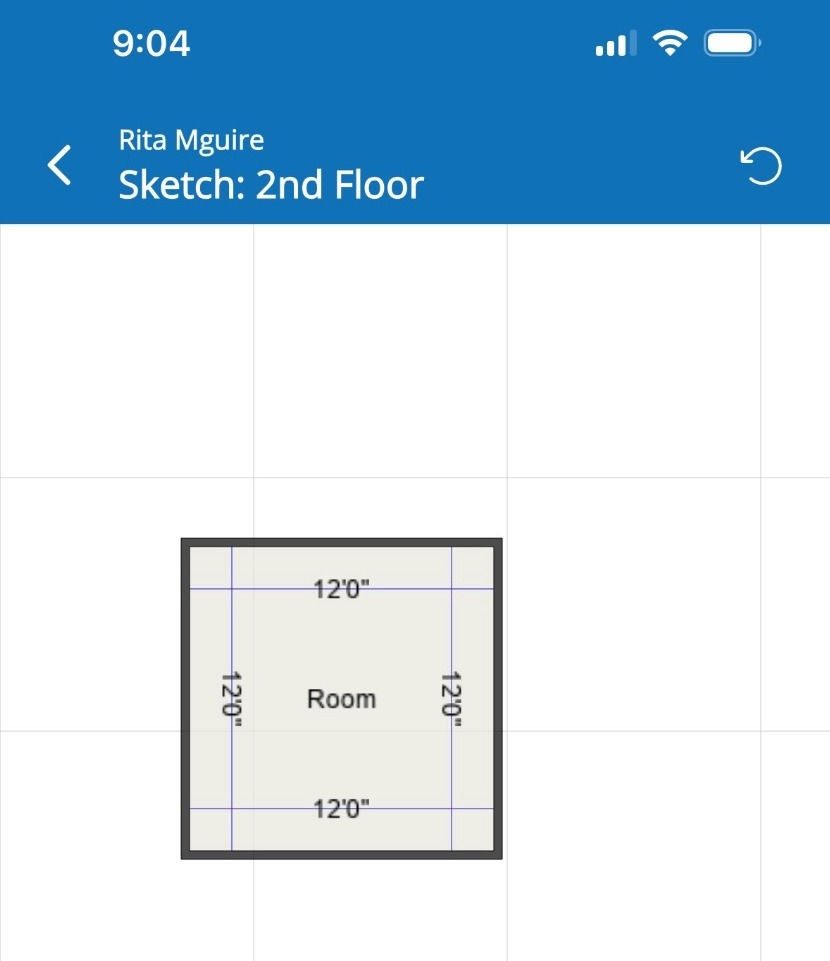
Adding a room in Mitigate™ sketch Modified on: Thu, 26 Mar, 2026 at 3:07 PM QuestionHow to add a new room to Mitigate™Adding a new room to floorplan in Mitigate mobile sketchAnswerMitigate™ Sketching: Adding a RoomFollow this guide for adding a room to your floorplan using Cotality™ Mitigate™.1. Tap the 2D cube found beside the Floor Plan you want to create.2. Tap the Blue + button to open the menu.3. Locate the category Room found under Area and tap it.4. Tap the Room type you want to use.For this example we will use Standard.5. Tap anywhere on the Canvas to add your new room.6. You successfully Added a Default 12'X12' Room to your Canvas!The default room size is 12'X12' but you can make adjustments to the size after adding the room.Alert: This ends the process of adding a room.Questions? Contact Us!