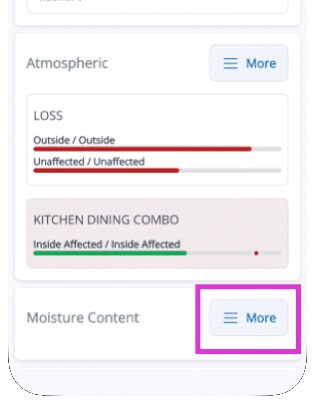
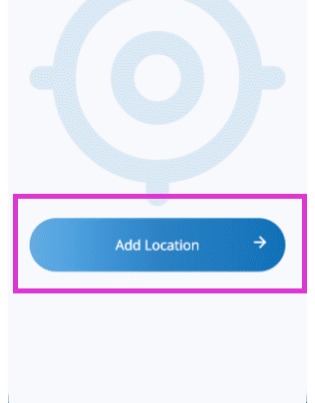
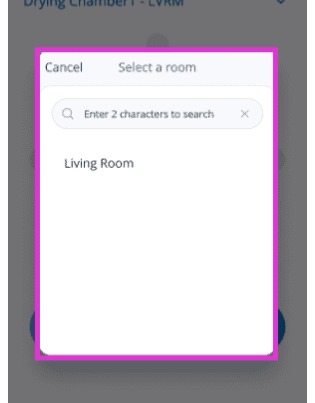
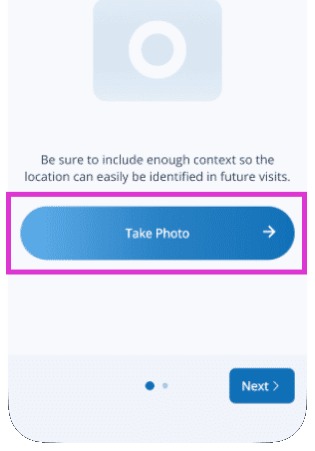
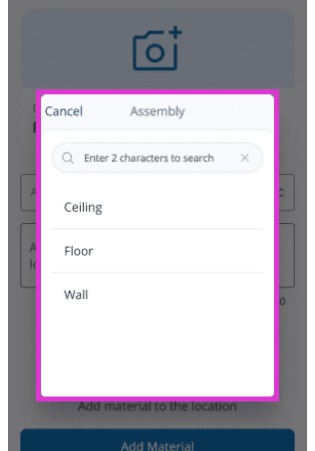
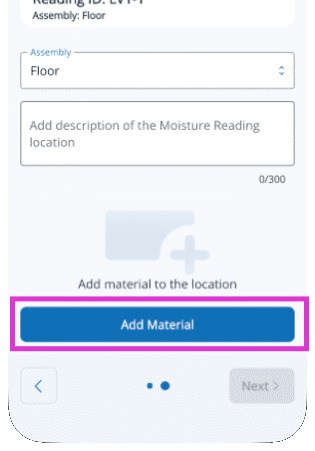
Add a New Moisture Reading Location Modified on: Tue, 26 May, 2026 at 1:45 PM QuestionHow do I add a moisture point in Mitigate™?How do I add a new moisture reading location in Mitigate?Where do I put my moisture points or locations in Mitigate?AnswerMitigate™: Add a New Moisture Reading LocationThis document provides step-by-step instructions on adding a new moisture reading location in the Mitigate app.1. Open the Moisture Content card to view and manage moisture readings for the job. Tap More.2. Select Add Location to begin creating a new moisture reading location.3. Select the specific room.Choose the correct room for the reading to associate data with the proper area.4. Take a photo of the reading location for easy identification.This visual reference reduces errors and aids communication.5. Select the Assembly that represents the materials being measured, such as a wall or floor assembly.6. Add the specific material layer(s) you are testing so the moisture reading is recorded correctly.Tip: The moisture reading location is now set up and ready for use.Questions? Contact Us!