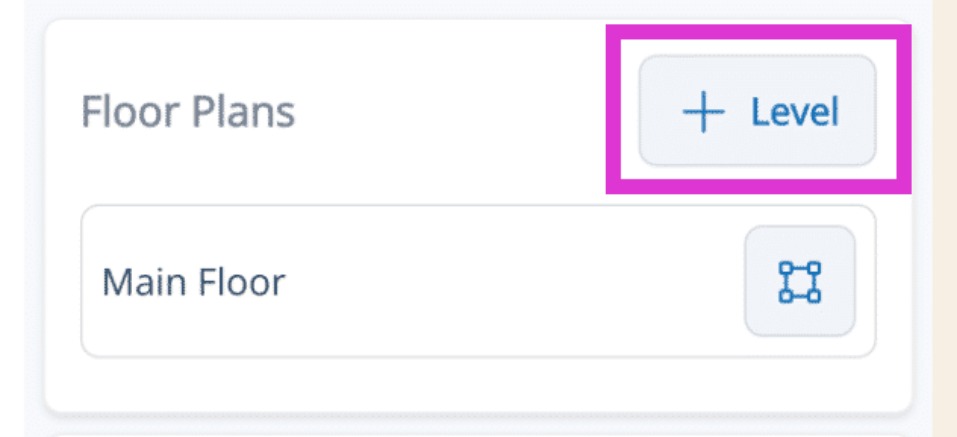
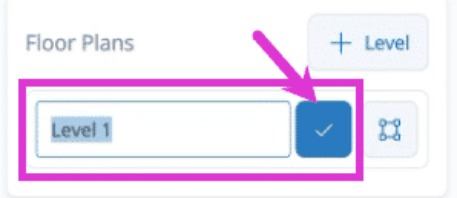
Mitigate: Adding Levels to Floor Plan Modified on: Thu, 9 Jul, 2026 at 1:54 PM QuestionHow do I add levels to my floor plan in Mitigate™?I need to add levels in Mitigate. AnswerMitigate: Adding Levels to Floor PlansLearn how to add and manage levels in a floor plan to keep your project organized and efficient.1. Access Floor Plan DetailsLocate the Floor Plan section.Select the Add Level button.Ensure you understand the current layout before proceeding to avoid errors.2. Rename the LevelTap into the field.Using your device's keyboard to enter a new name. Rename the new level to reflect its purpose.Save the updated by tapping the blue checkmark button.Tip: You have successfully added and renamed a level in your floor plan, ensuring it is organized and accurately reflects your project needs.Questions? Contact Us!