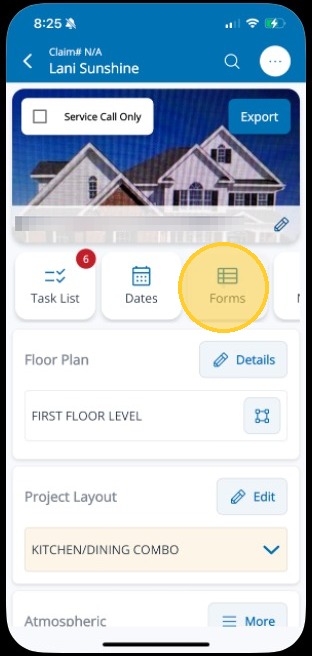
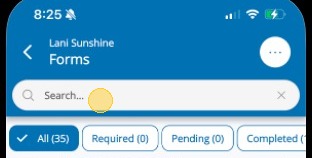
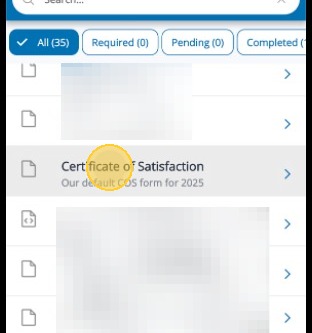
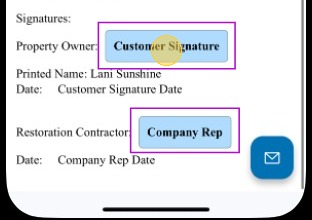
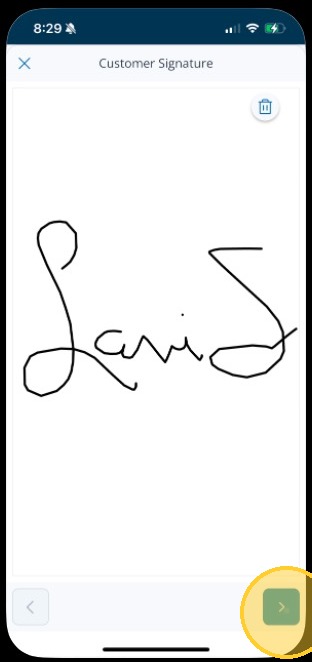
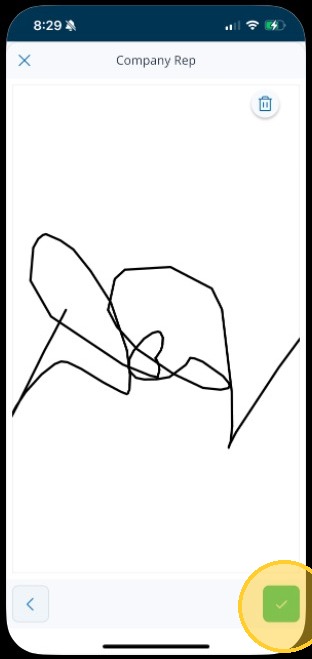
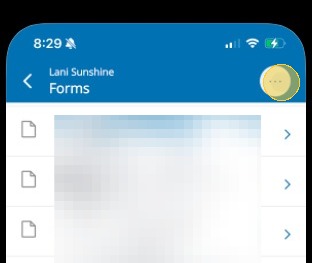
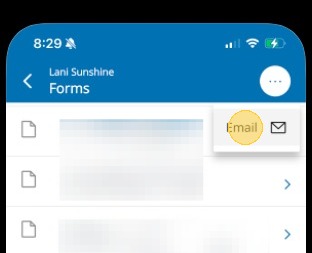
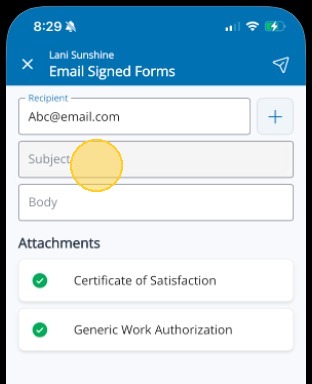
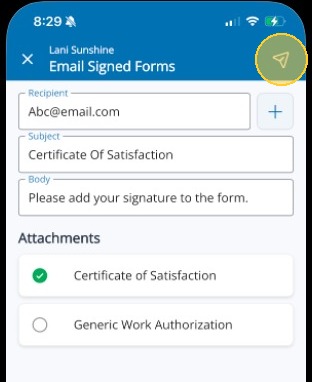
Signing Documents in Mitigate™ Modified on: Tue, 24 Feb, 2026 at 2:22 PM QuestionHow to get a document signed in the Mitigate™ mobile applicationSigning documents on Mitigate mobileAnswerCotality Mitigate | Document SignaturesFollow this process to add a document and have it signed.1. Select the Forms cardTip: Tip! Be sure to download all forms before searching for a document. This action downloads forms used by your company.2. Search for the form you need3. Tap the document to select itTip: Tip! You can either have the customer sign the form if they are present, or you can email the form to them for their signature.4. Tap into the blue signature block to start the signature5. Have the customer draw their signature with their finger on your device's screen.Tap the blue arrow in the bottom right to move to the next signature.6. You will then add your signature and tap the green checkmark in the bottom right.Email a Form7. To Email a form, tap the ellipses8. Tap Email9. Complete the Subject and Body10. Only attach needed form(s) and tap the Email icon in the top rightQuestions? Contact Us!