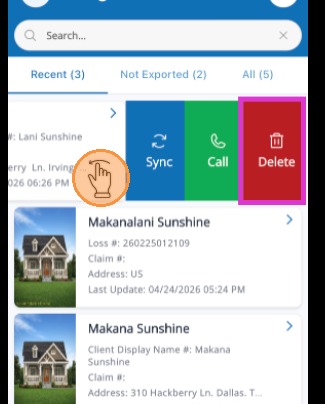
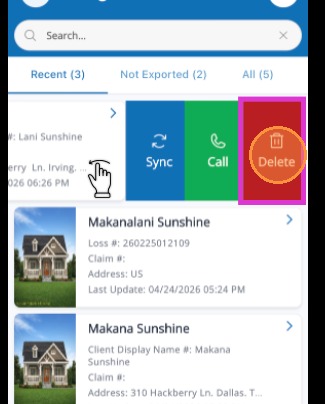
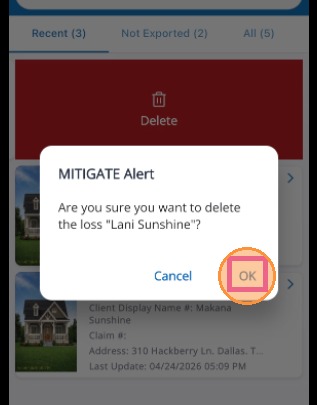
Mitigate: Removing Jobs From Your Device Modified on: Thu, 18 Jun, 2026 at 2:11 PM QuestionHow do I remove a job or project from Mitigate™?How do I remove a job from my projects list in Mitigate™?AnswerMitigate™: Remove a Job from Your DeviceFollow these steps to remove a job from your device which is stored in the Mitigate App.1. Slide the job to the left to show additional options.2. Tap Delete to remove the job from your device.3. Tap OK to confirm you want to delete the loss from your device.Questions? Contact Us!