Follow these steps to record the Dry-Out Confirmed event.
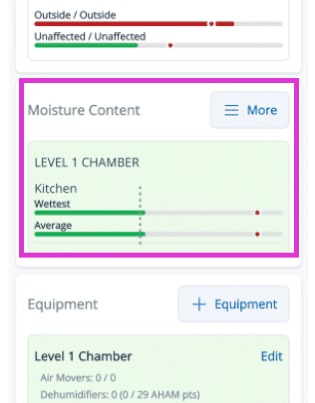
1. Ensure every moisture point within the drying chamber has reached its goal. Once all material bars in the Moisture Content section are Green, the app will enable the confirmation option.
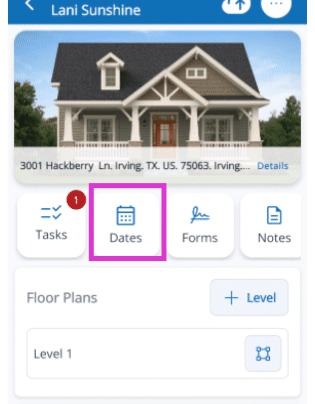
2. Tap the Dates tab to open it.
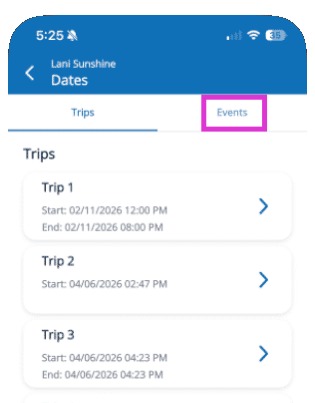
3. Tap the Events tab at the top.
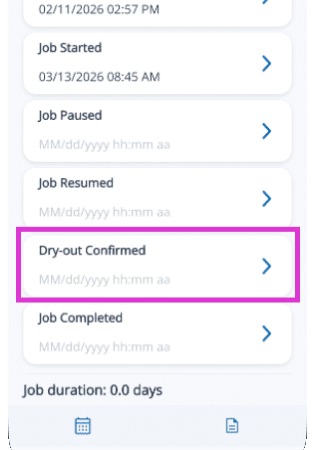
4. Select the exact date and time the dry-out was achieved. This should align with your final successful moisture readings to ensure technical justification for the audit.
Tip: With the Dry-Out confirmed, the 'Drying Clock' has officially stopped. Your final step is to reconcile your equipment to ensure every machine's stop time aligns with this successful milestone.