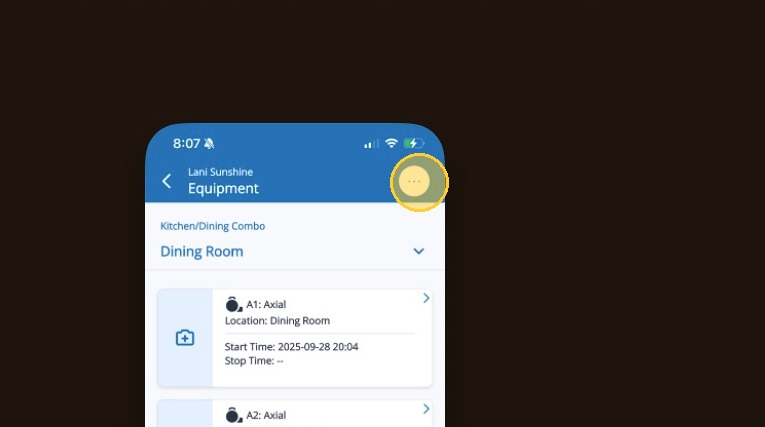
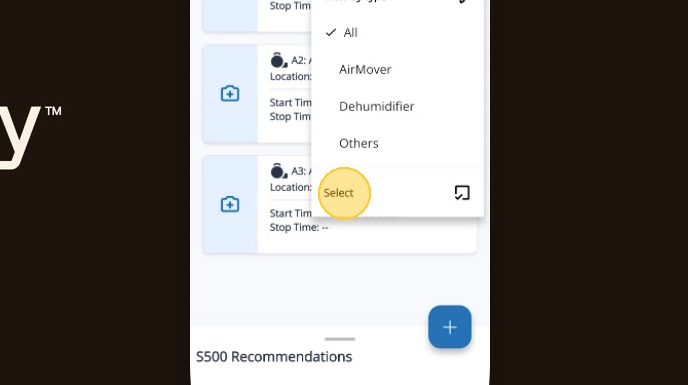
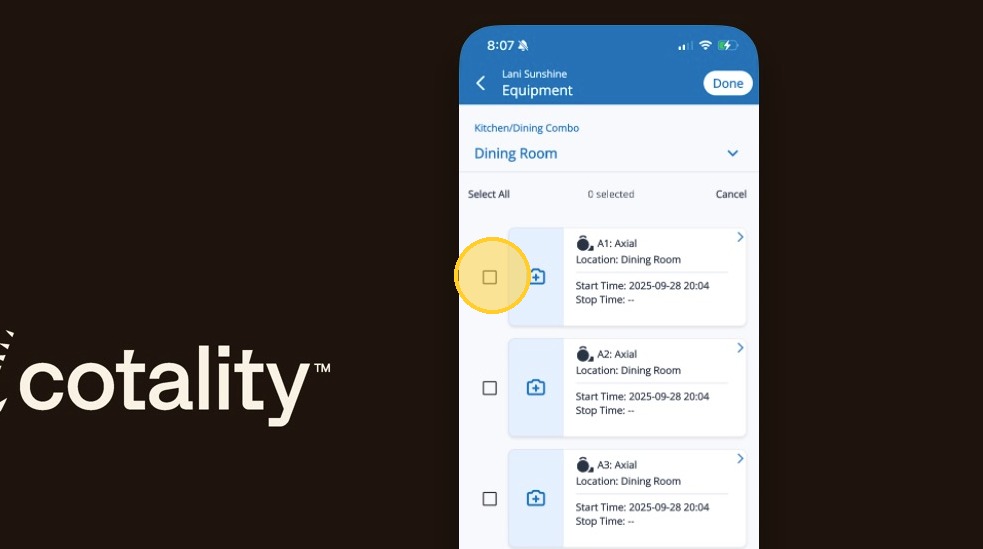
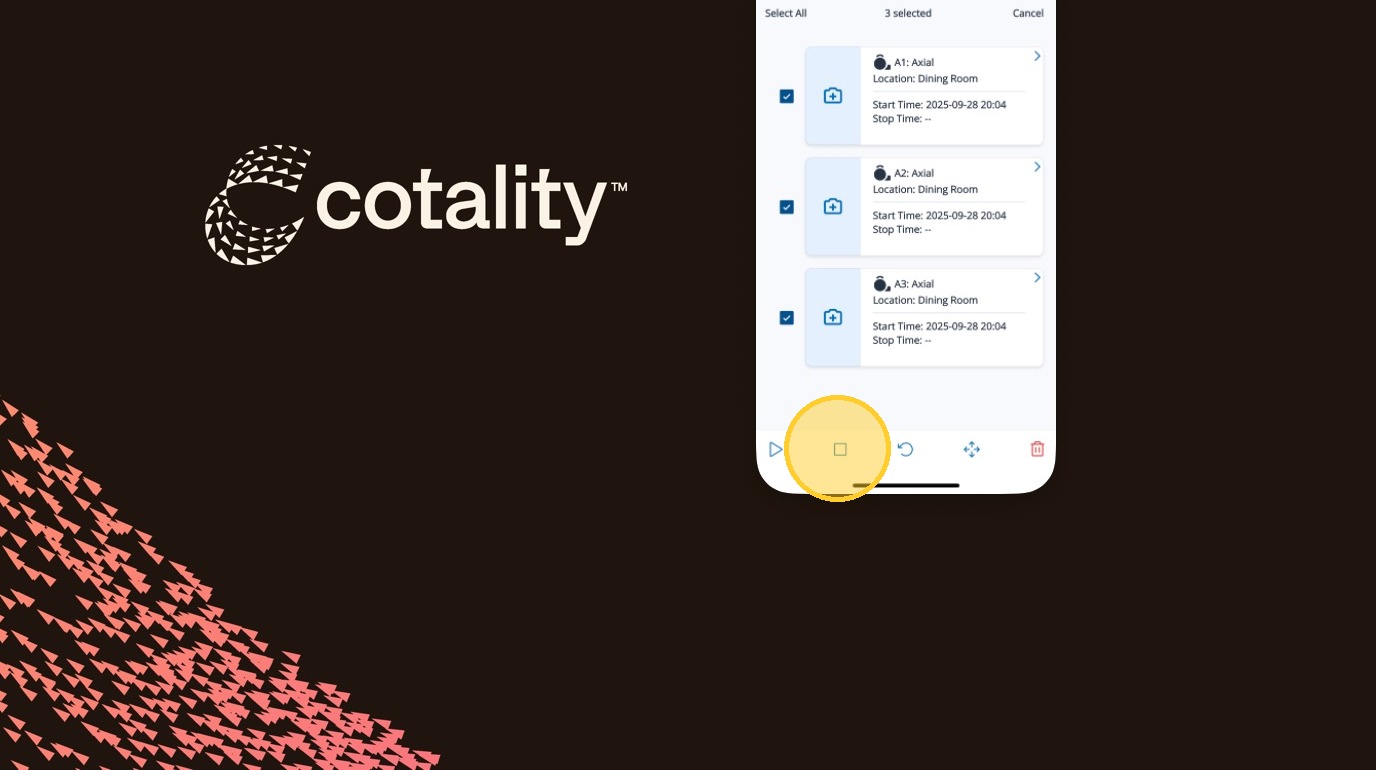
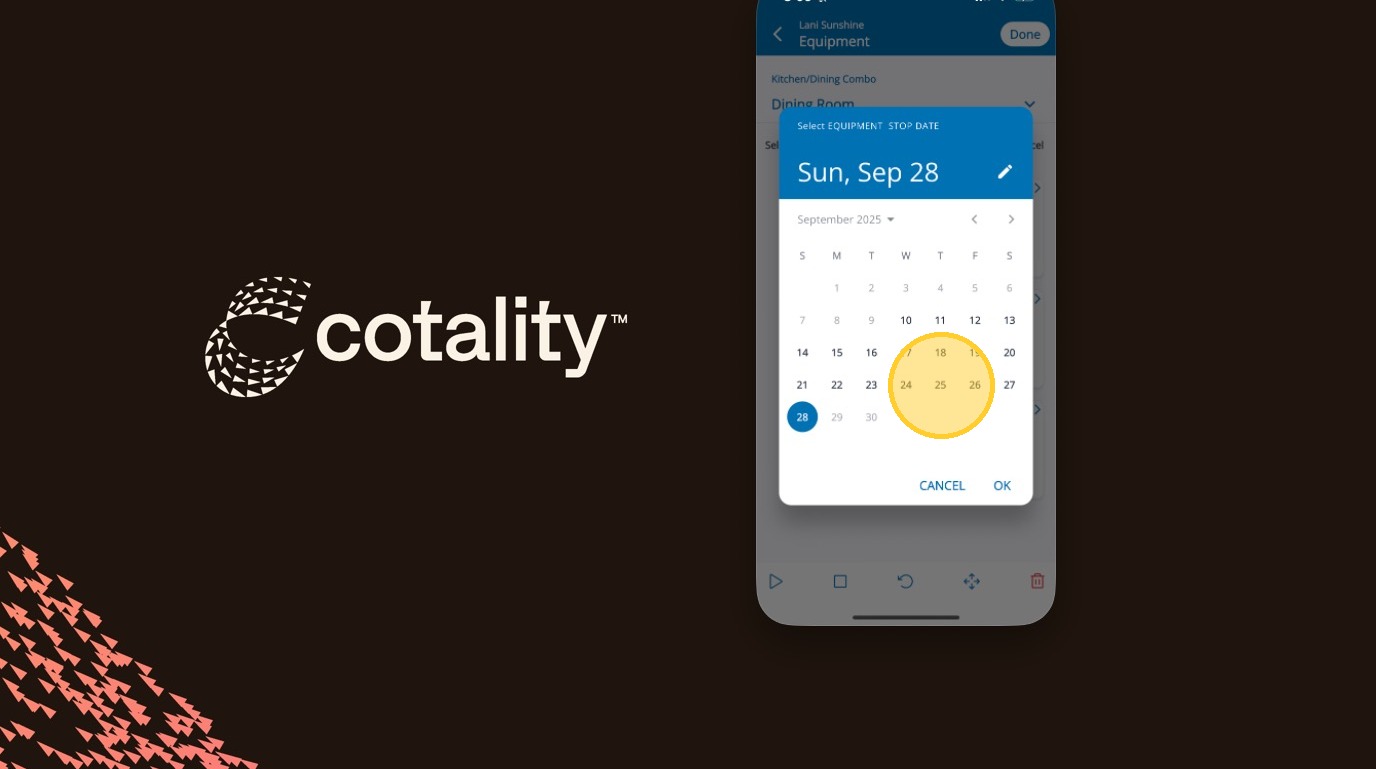
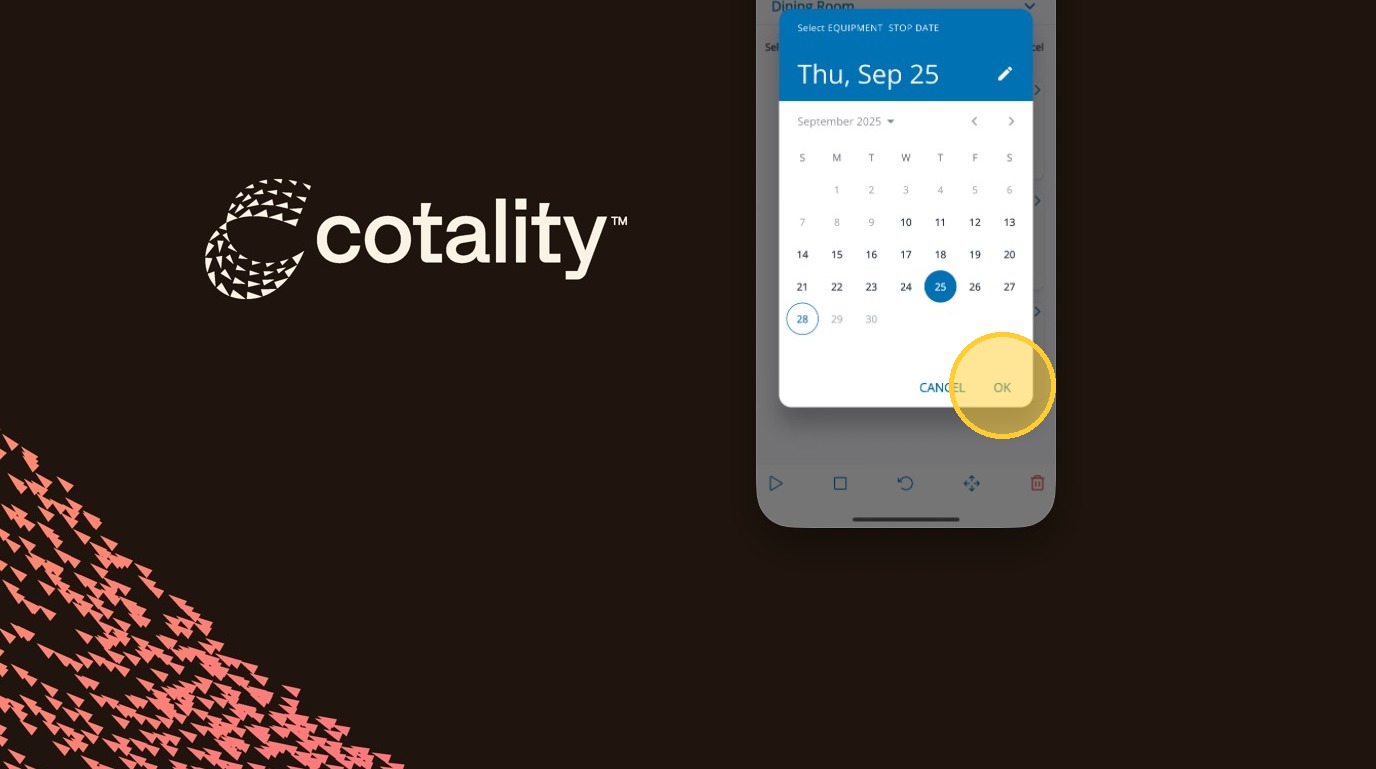
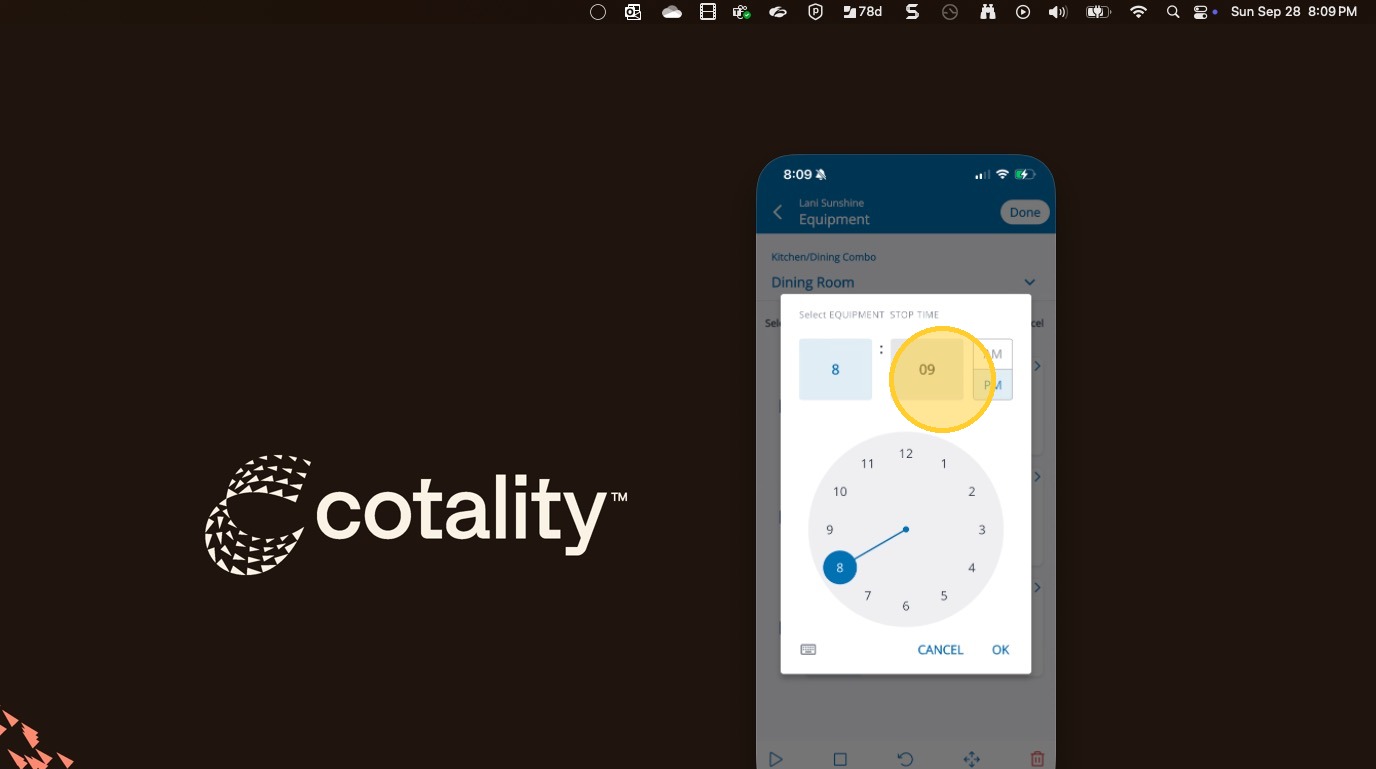
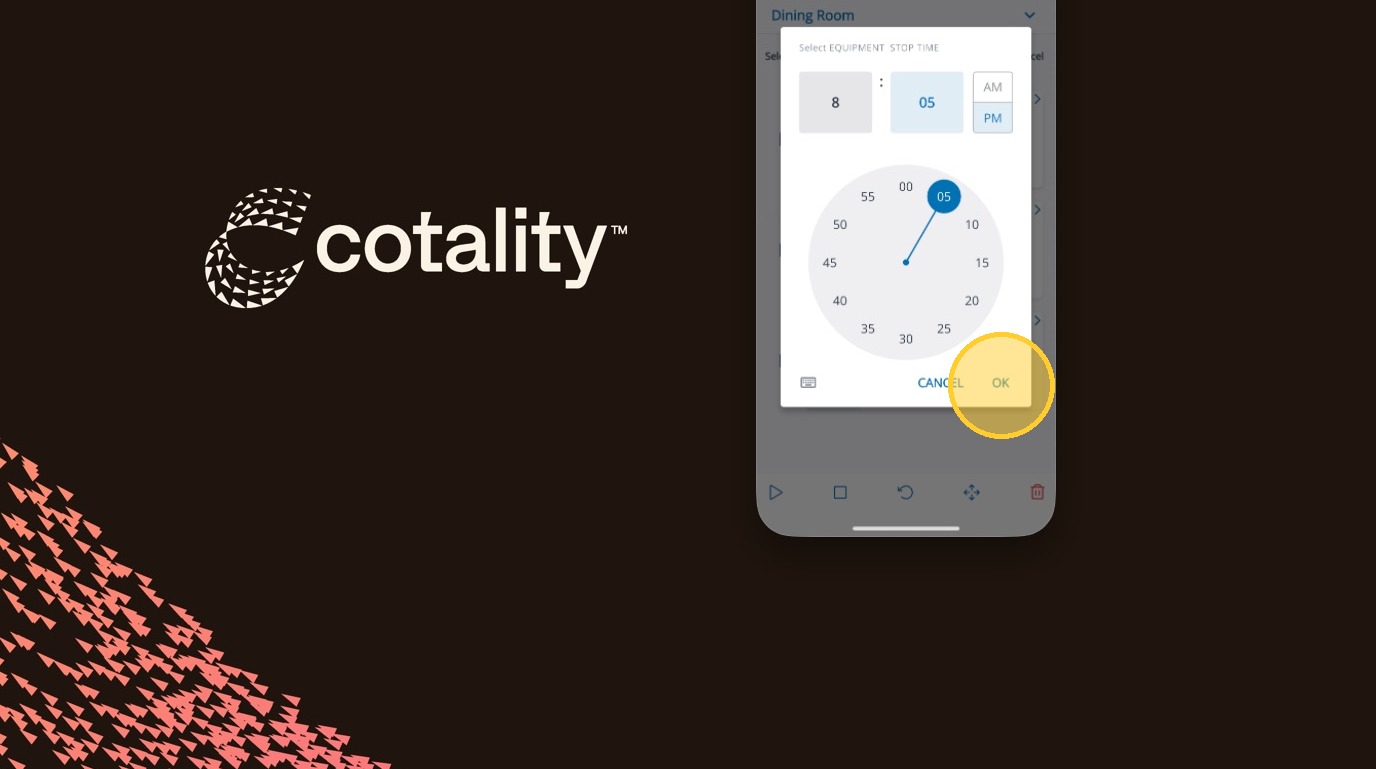
Stopping Equipment in Mitigate™ Modified on: Mon, 4 May, 2026 at 1:35 PM QuestionHow to stop equipment in Mitigate mobile?How to add a stop time?AnswerMitigate™| Stopping Equipment1. Tap the Ellipses to open the menu2. Tap Select3. Select each piece of equipment by tapping the checkbox4. Tap the Stop button to stop the equipment5. Set the date6. Tap OK7. Set the stop time8. Tap OKAlert: End of Process!Questions? Contact Us!