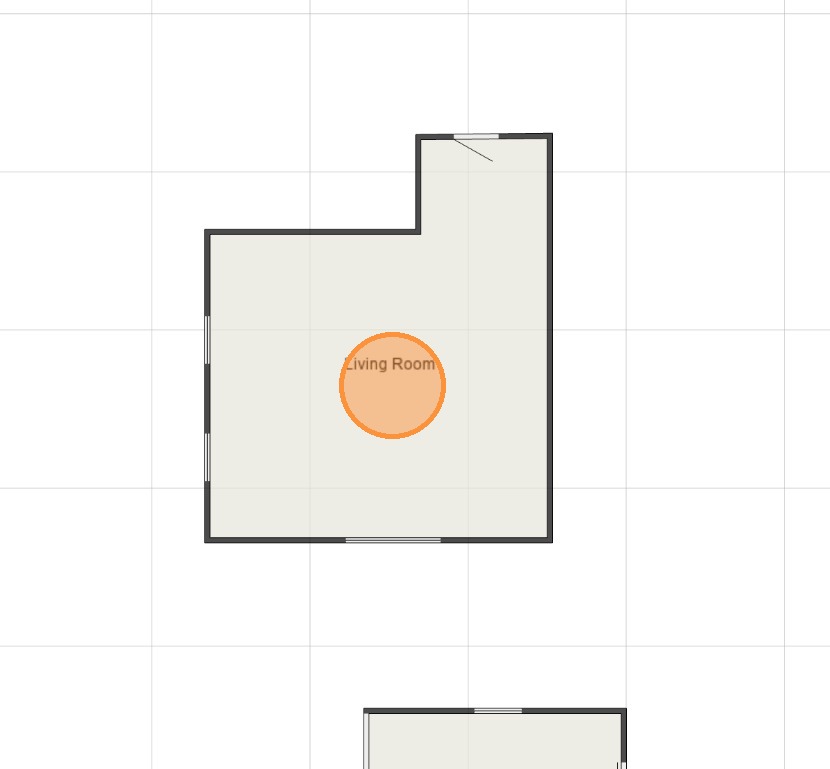
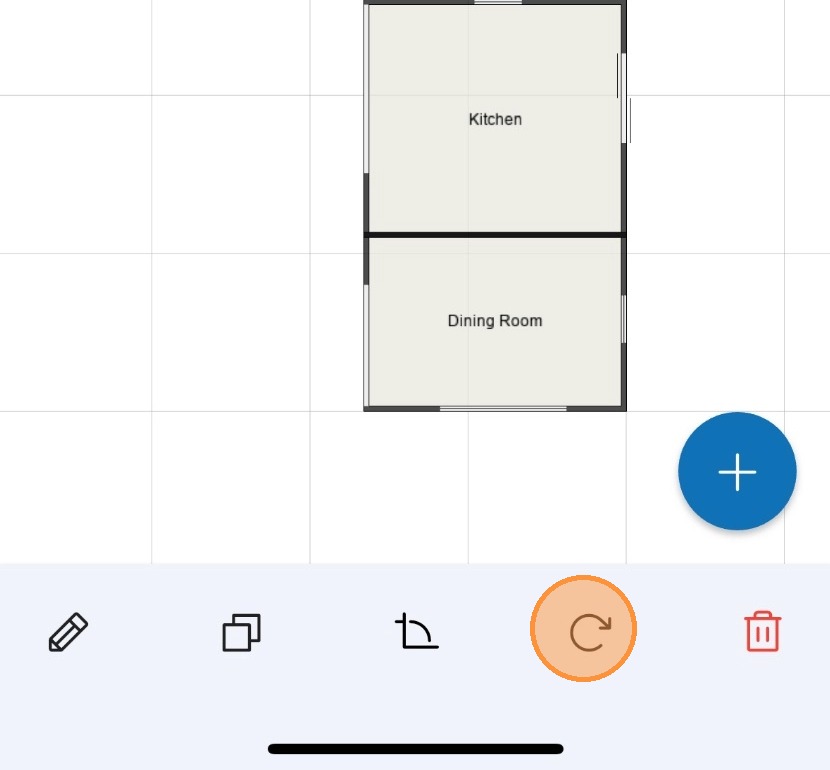
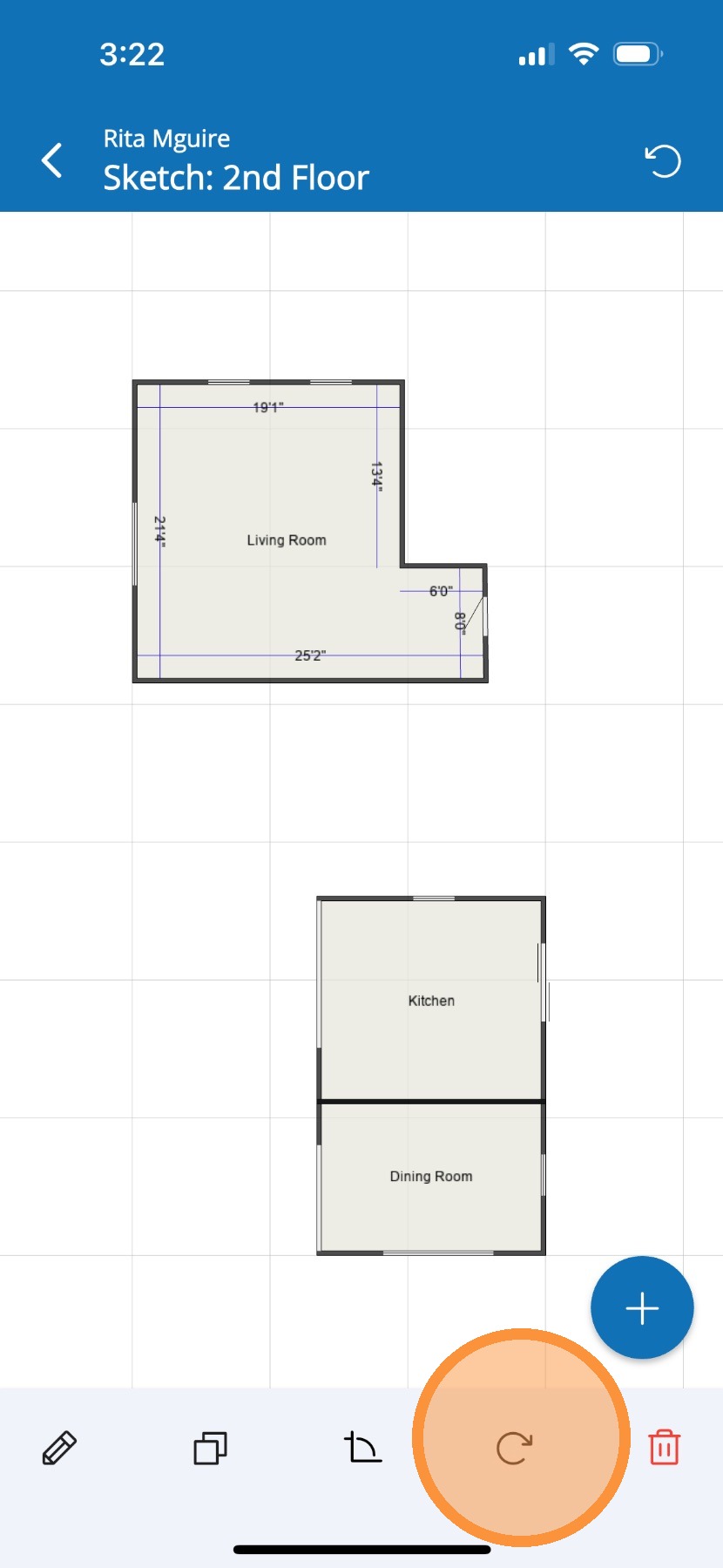
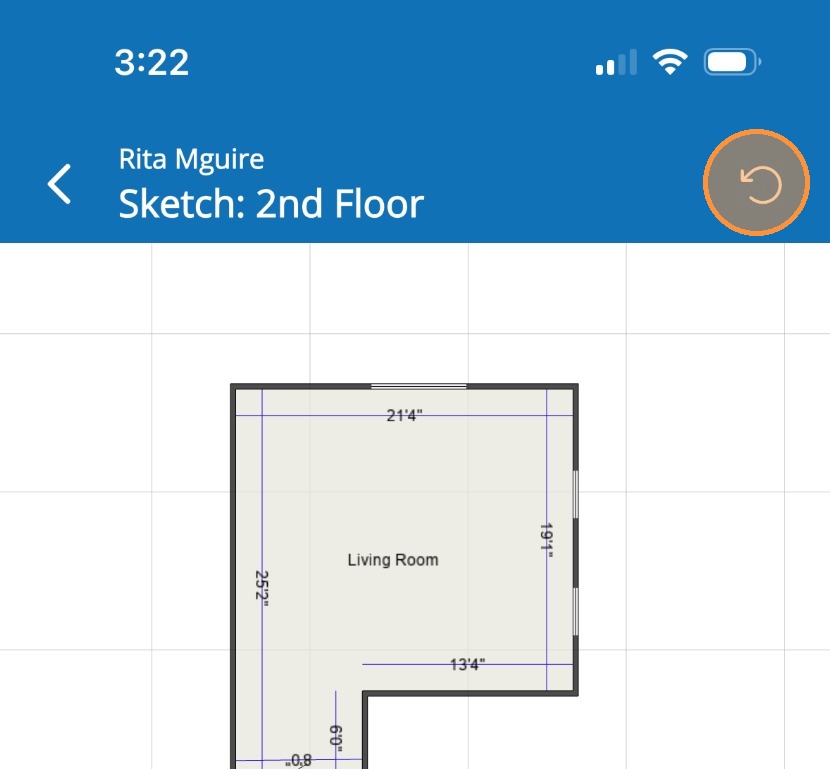
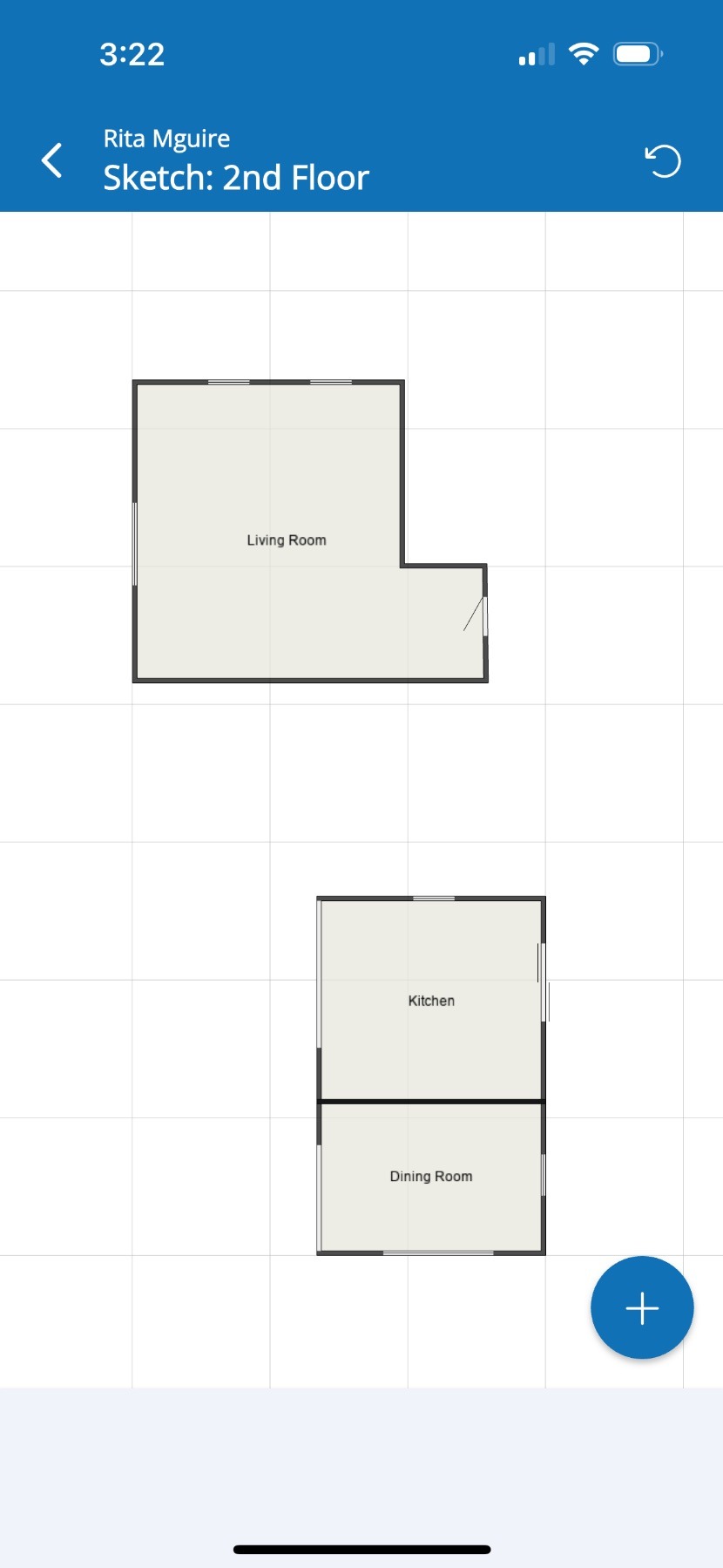
Rotating a room in Mitigate™ Modified on: Thu, 26 Mar, 2026 at 3:02 PM QuestionHow to rotate a room in Mitigate sketch?Rotating a space in Mitigate™ mobileAnswerMitigate™ Sketching: Rotating a RoomLet's review the steps required when rotating a single room using Cotality™ Mitigate™.1. Tap the room you want to rotate.2. Tap the circled arrow icon found at the bottom of the page.3. Tap again, until you have the room rotated in the wanted position.4. Do not confuse the circle arrow icon found on the top right of the screen. This will undo your last action.5. You successfully rotated a room.Alert: This completes the process for rotating a room.Questions? Contact Us!