Question
- How do I bulk decline my assignments in DASH™?
- How do decline all of my assignments?
- How do I get rid of all my jobs in the Accept Job queue?
- Is there a way to decline assignments in mass?
- How can I clear multiple assignments in the Job queue?
Answer
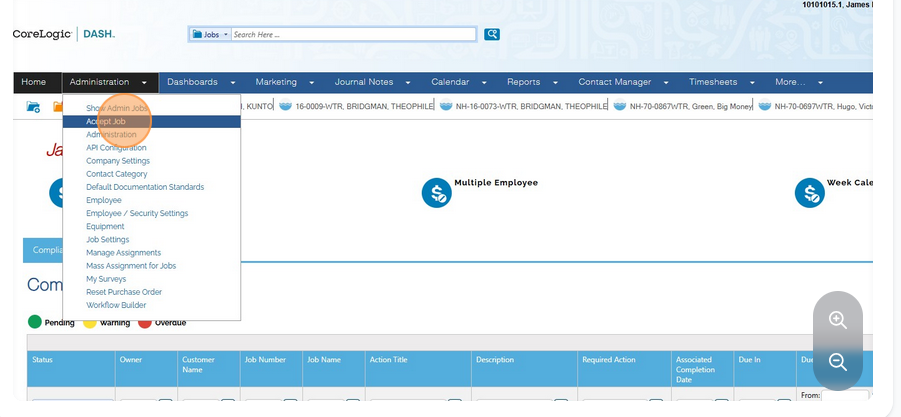
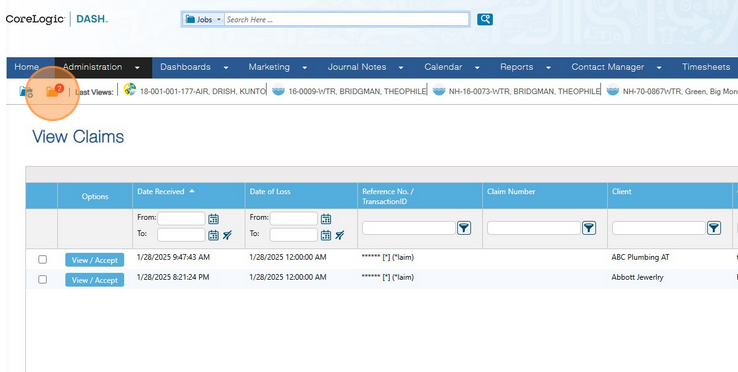
- Hover over Administration and select Accept Job, OR you can click on the yellow folder icon.
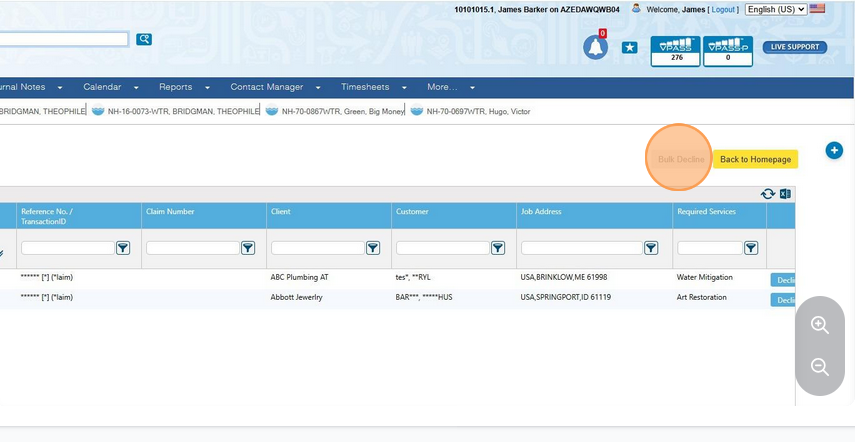
- Select at least two assignments from the list. Then, the Bulk Decline button becomes available. Click Bulk Decline
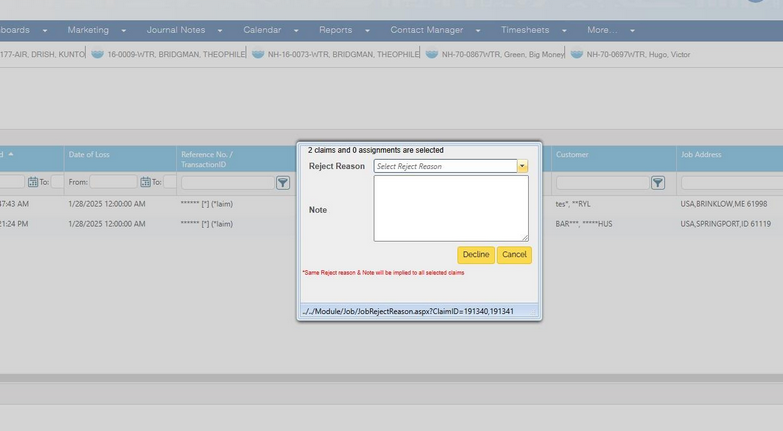
- You will be asked to give a reason for rejecting. Once you have selected your reject reason, you can decline the assignments.