
Question
- What are the blue tags on my photos in Mitigate™?
- How do I remove the blue tags from my photos in Mitigate?
- How I remove the AI-generated tags from my photos in Mitigate?
- How do I disable AI-generated tags in Mitigate?
Answer
By default, Mitigate will automatically tag photos you upload using our Image Analytics models, leveraging AI to tag your photos. These tags will appear as blue.
If you would like to disable this feature, please follow the steps below:
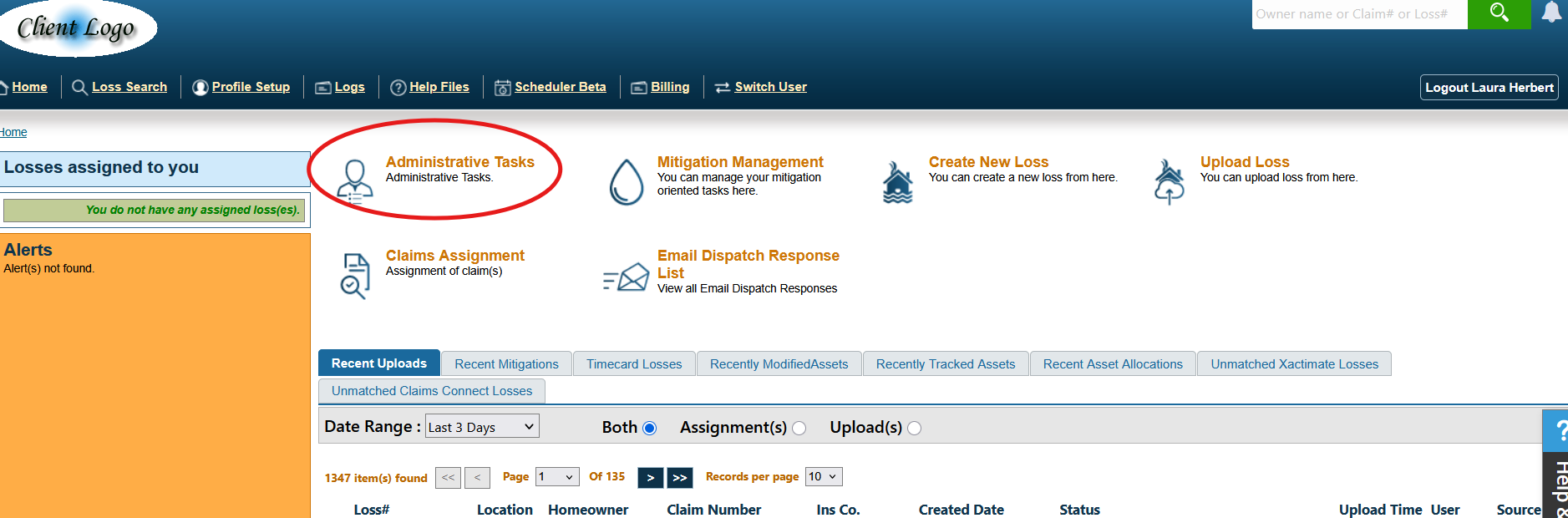
- Log into MICAweb™ and click on Administrative Tasks.
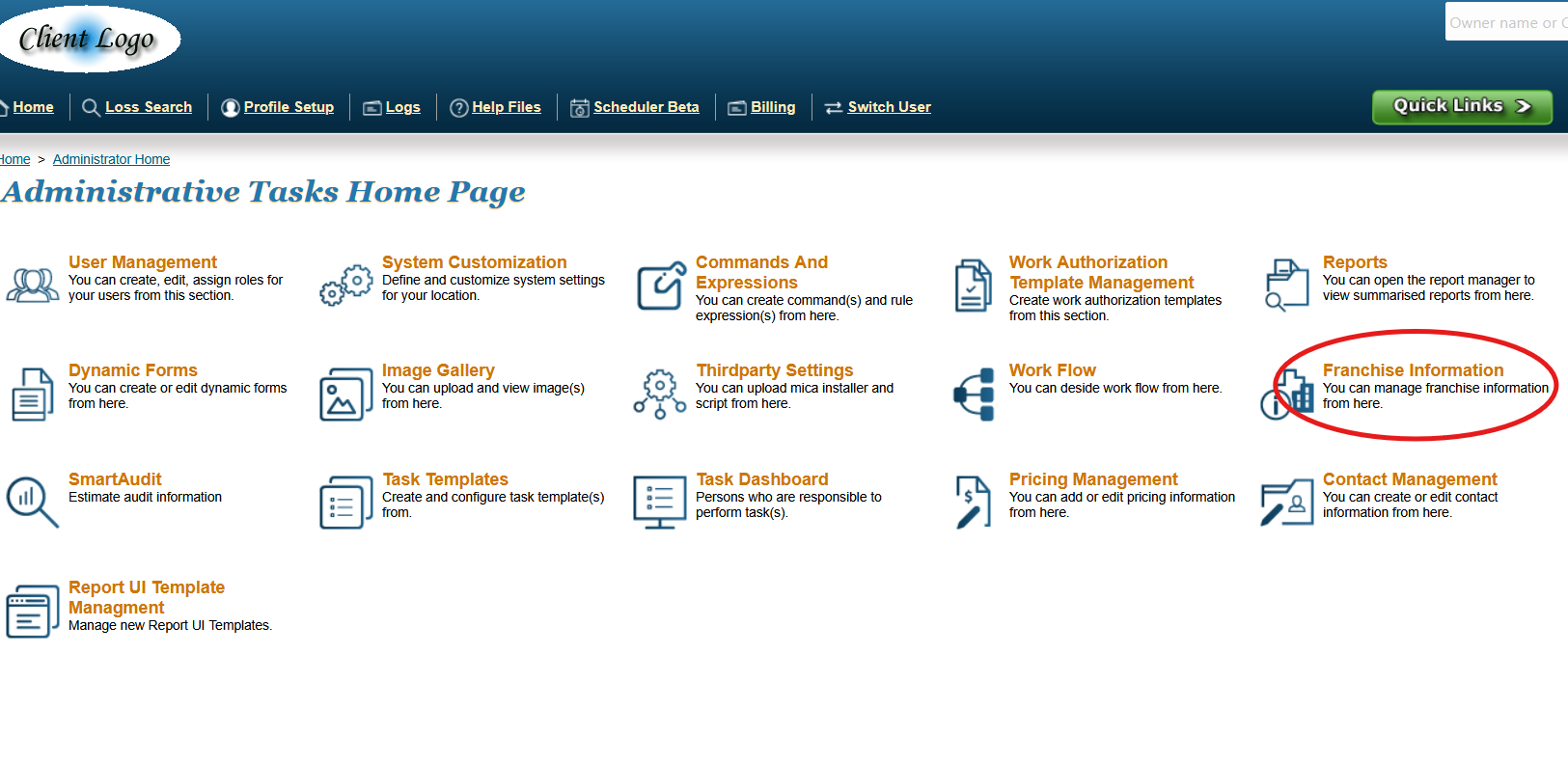
- Click on Franchise Information.
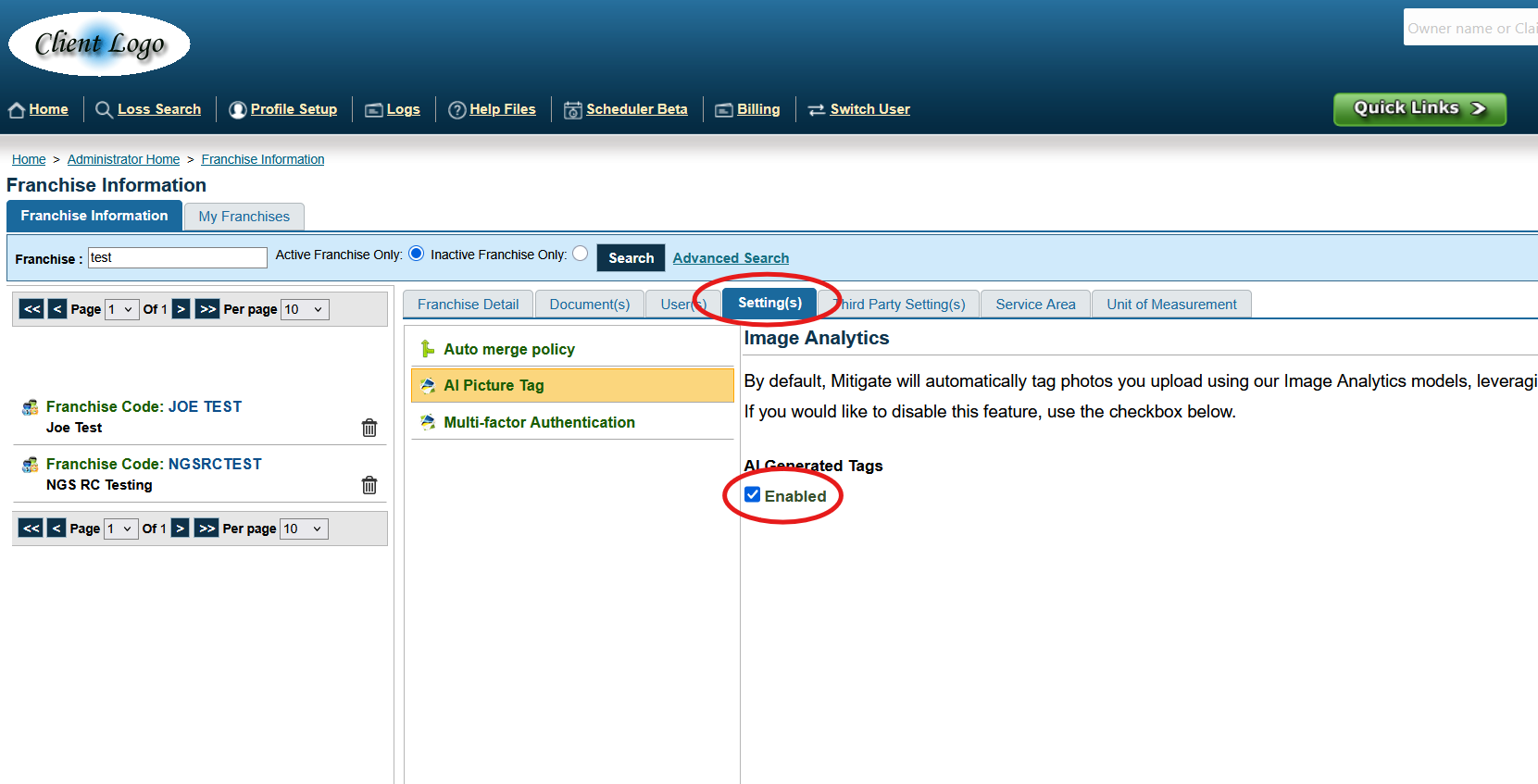
- Click on the Settings Tab, and then the AI Picture Tag option. Uncheck the box under AI Generated Tags to disable the feature.
Questions? Contact Us!