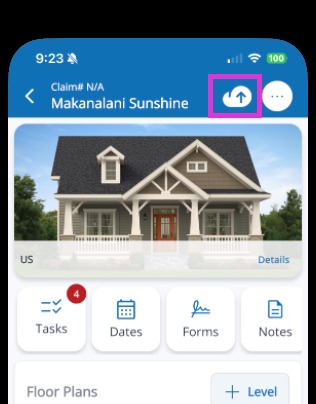
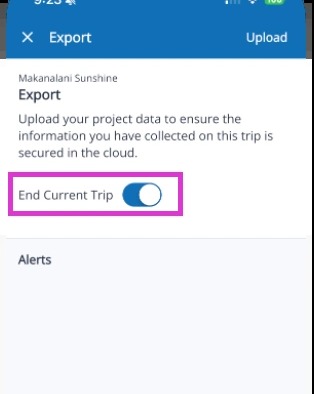
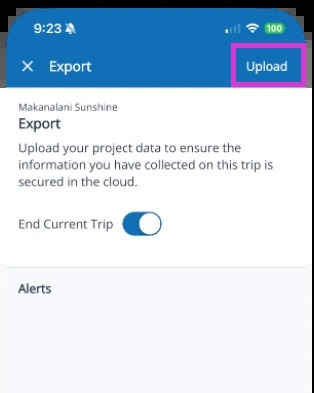
Mitigate: Exporting Data Modified on: Thu, 28 May, 2026 at 9:43 AM QuestionHow do I export data in Mitigate™?How do I get my data into the cloud in Mitigate™?How do I end my current trip in Mitigate™?AnswerMitigate™: Export DataFollow these simple steps to Export data and End Current Trip in the Mitigate app.1. From the project header, tap on the Export icon.2. Toggle the End Current Trip if you are ending the trip before exporting.3. Tap Upload in the top right.Tip: This completes the process for exporting data in the Mitigate app.Questions? Contact Us!