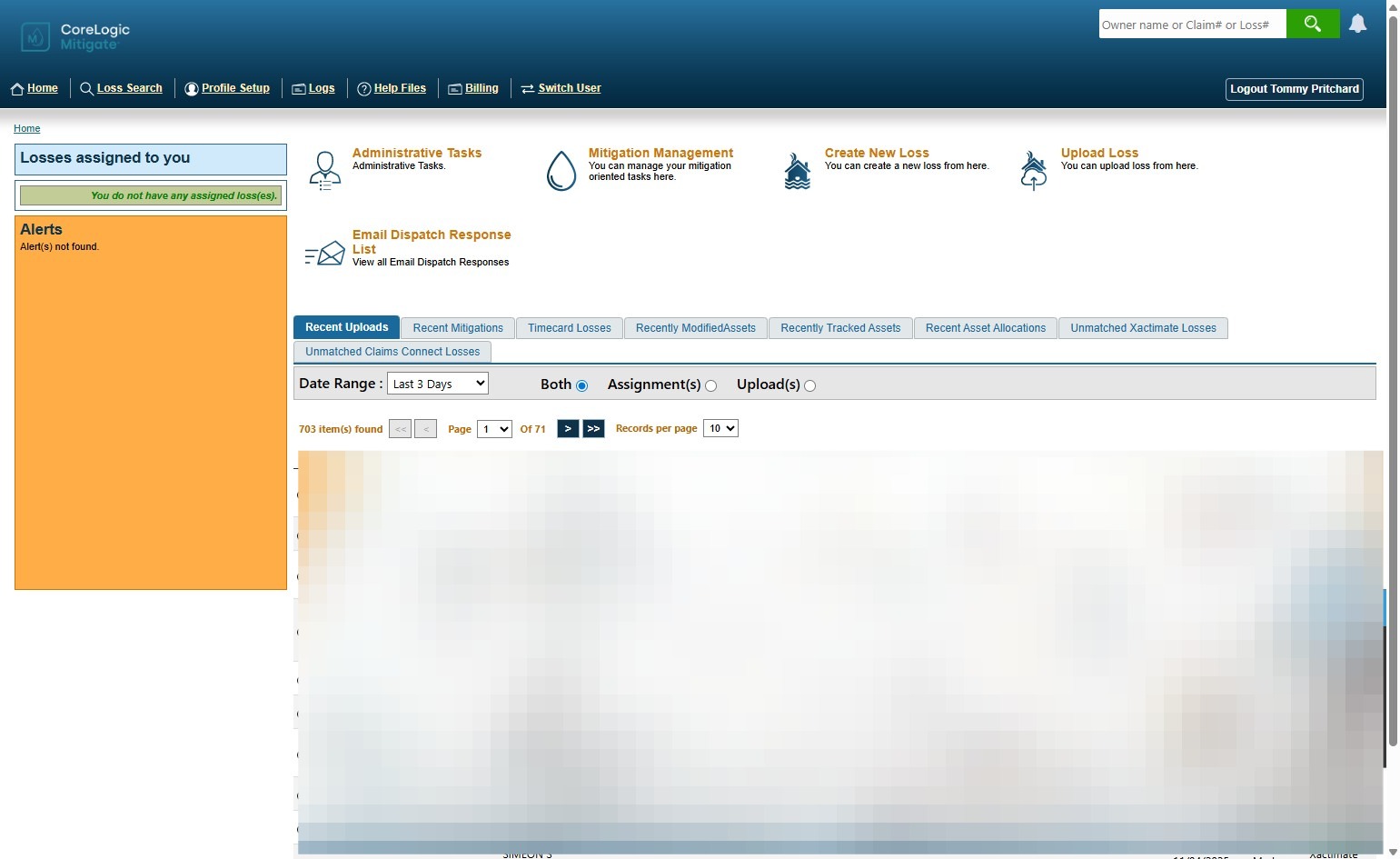
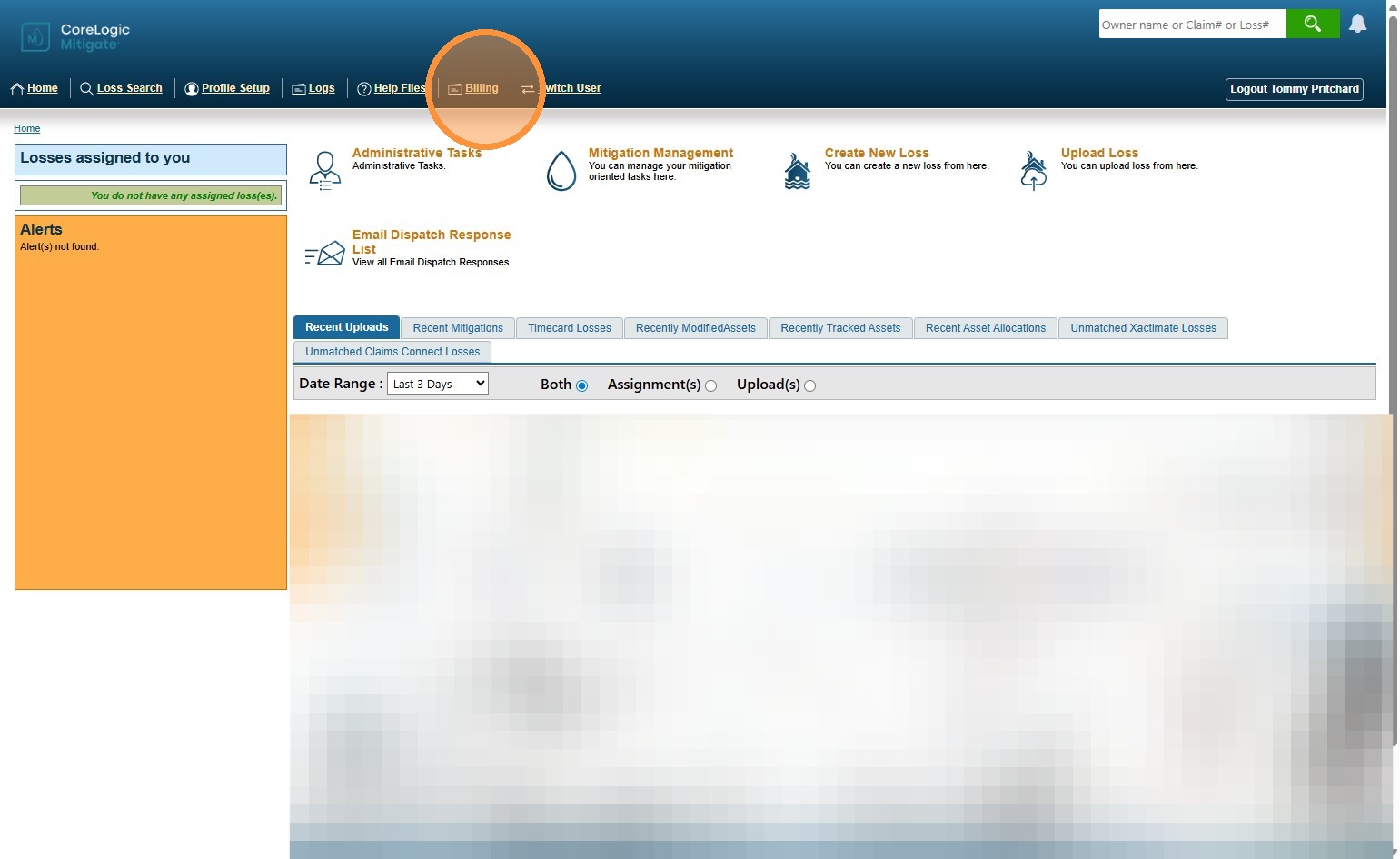
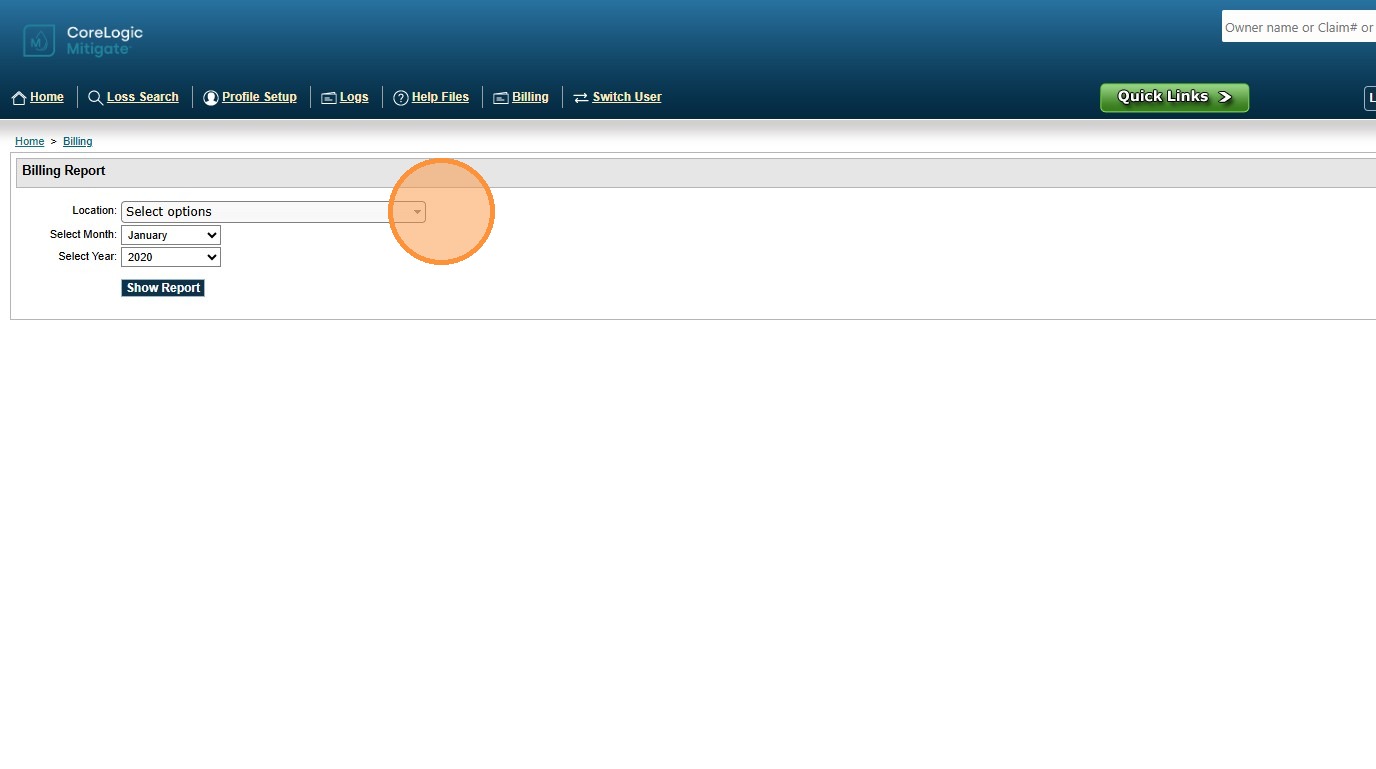
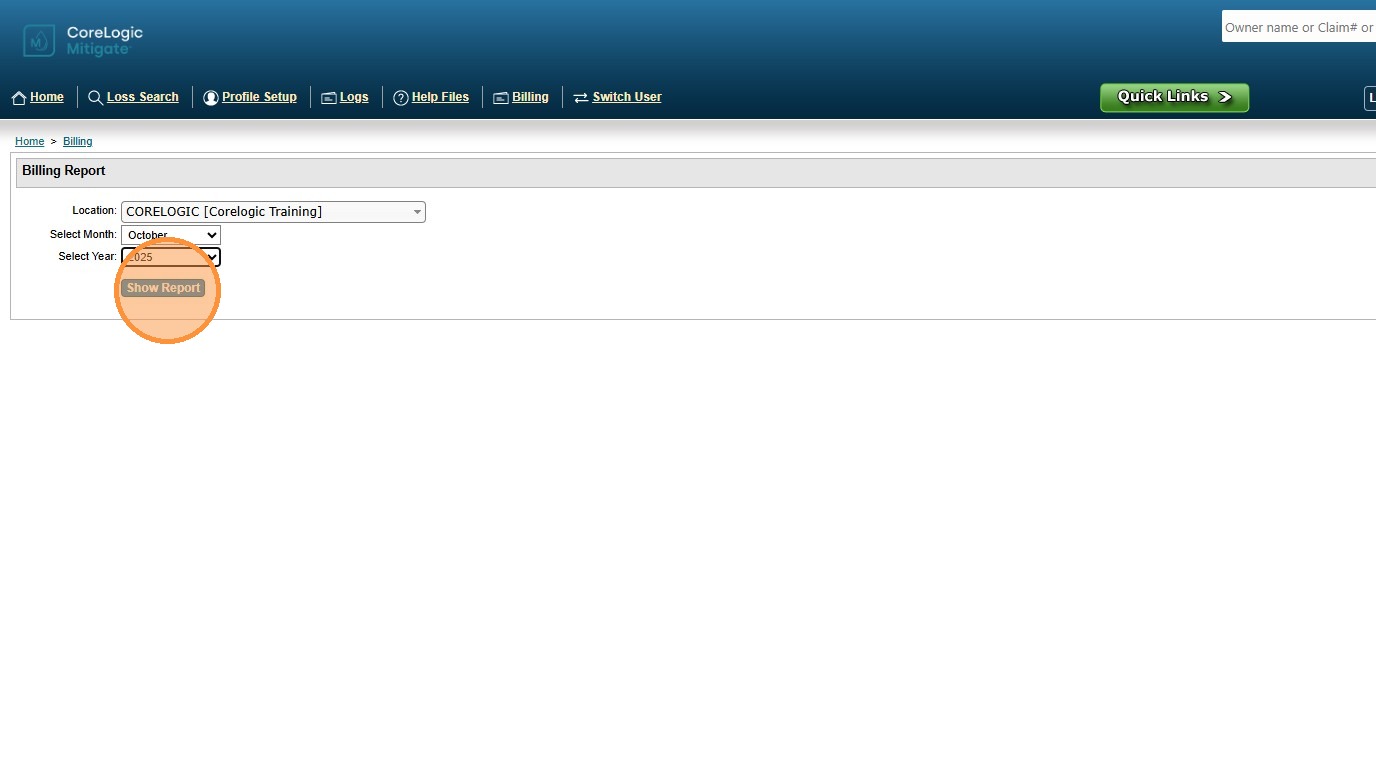
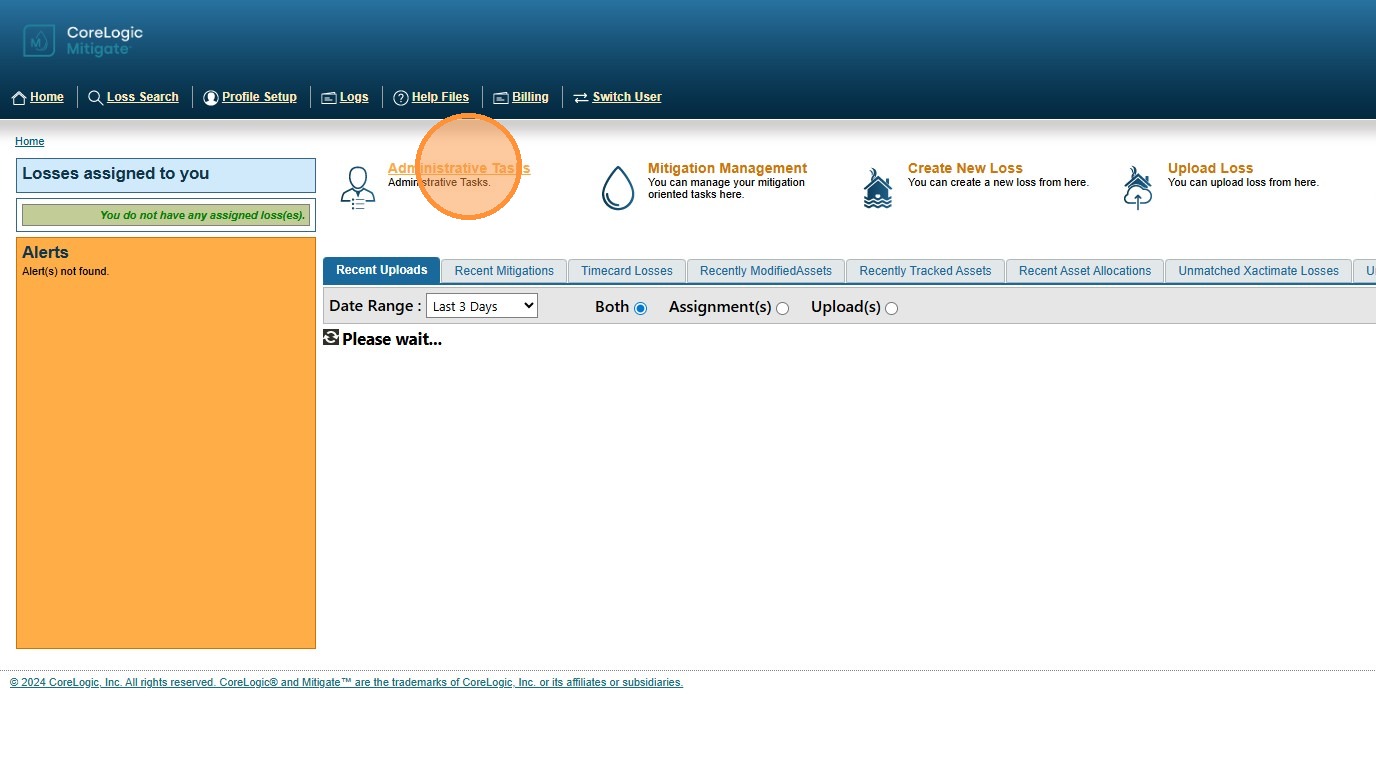
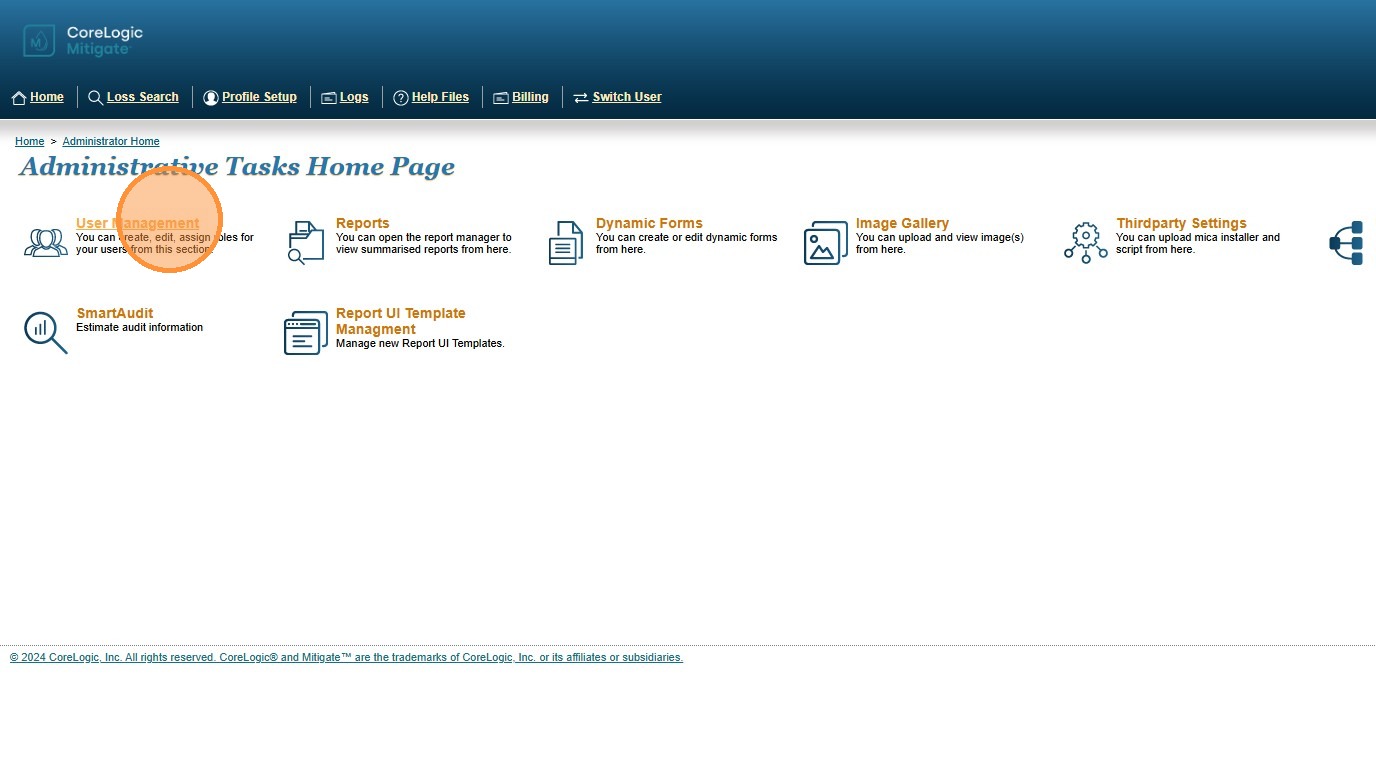
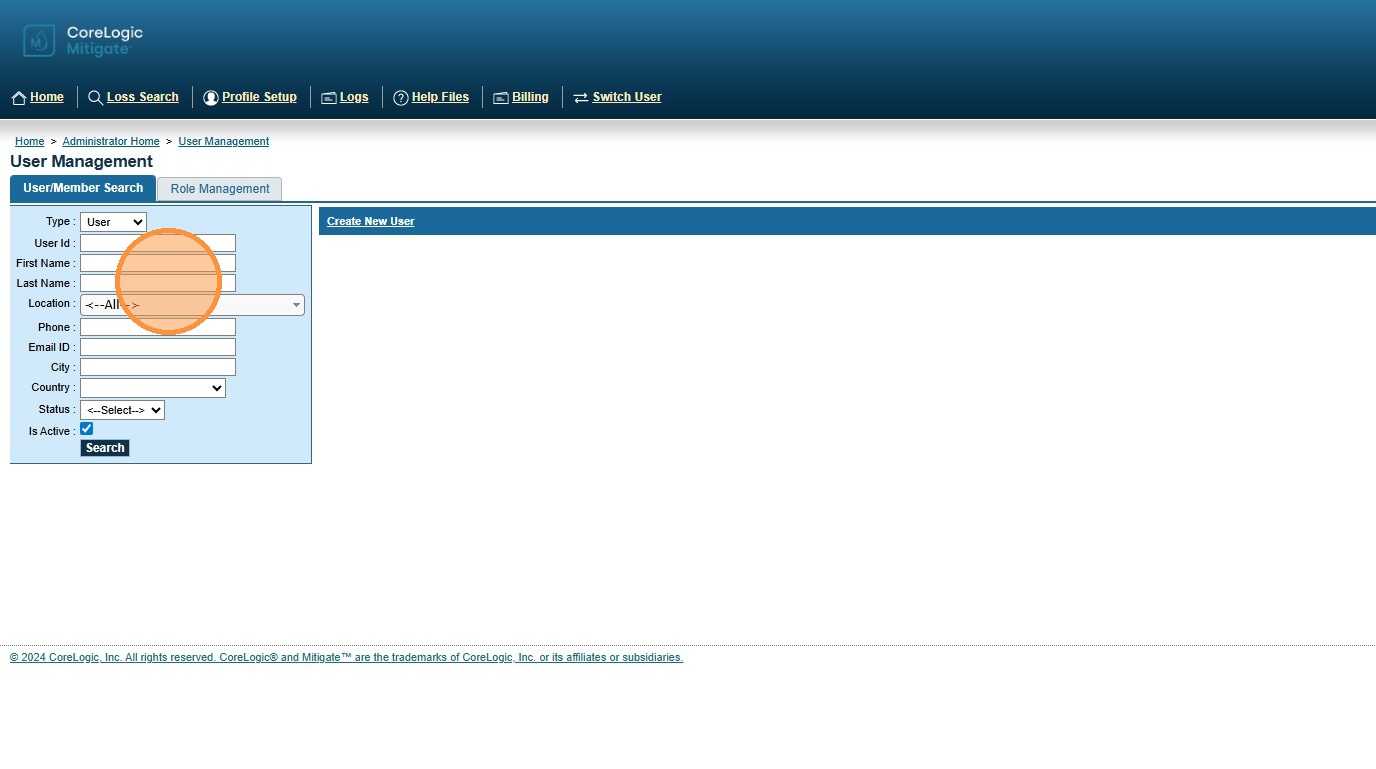
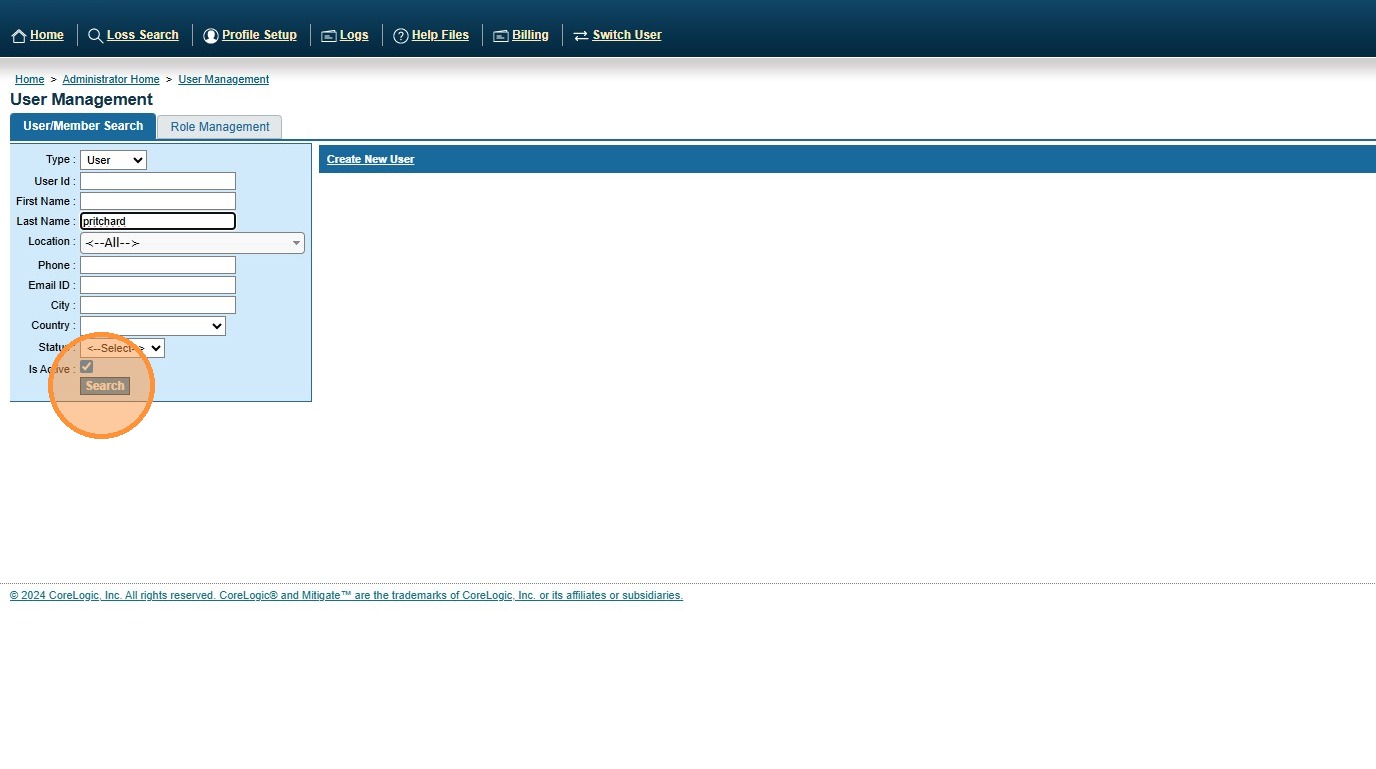
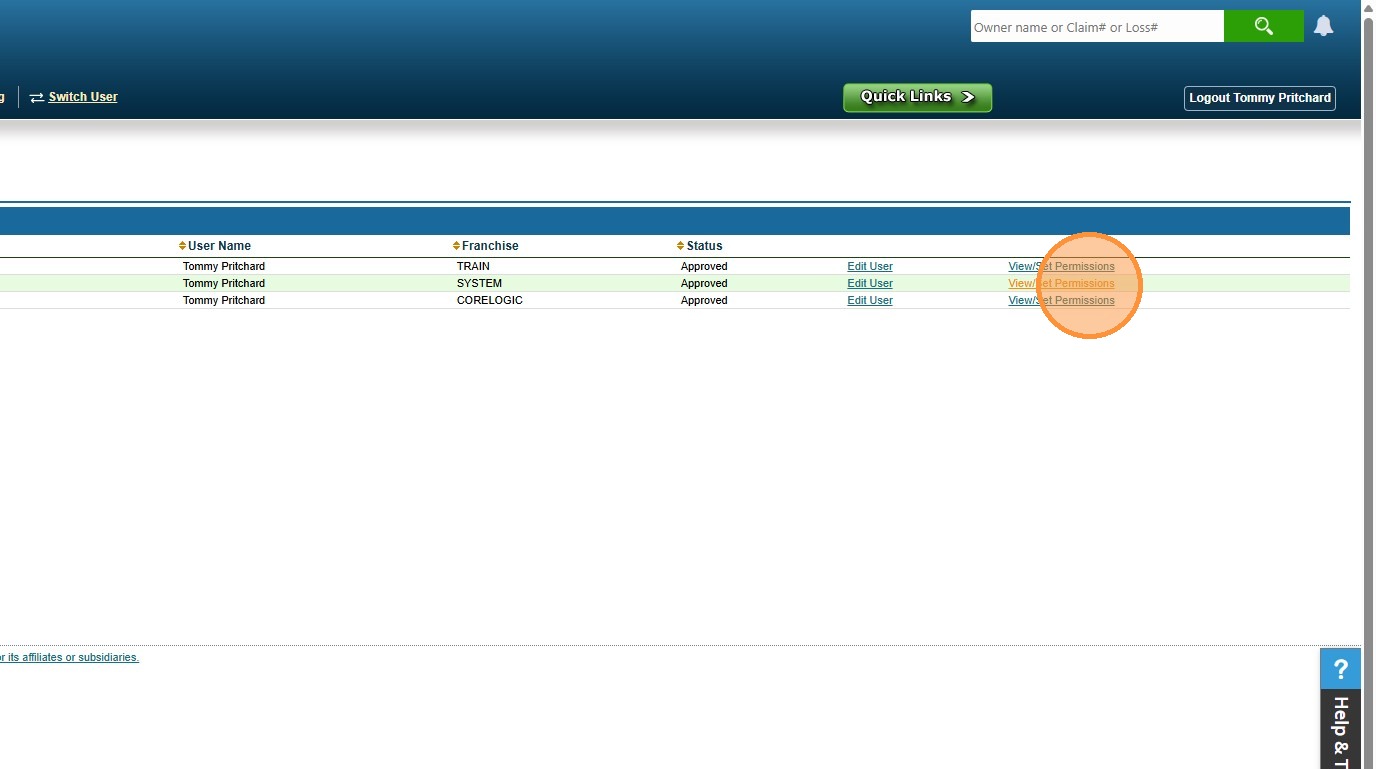
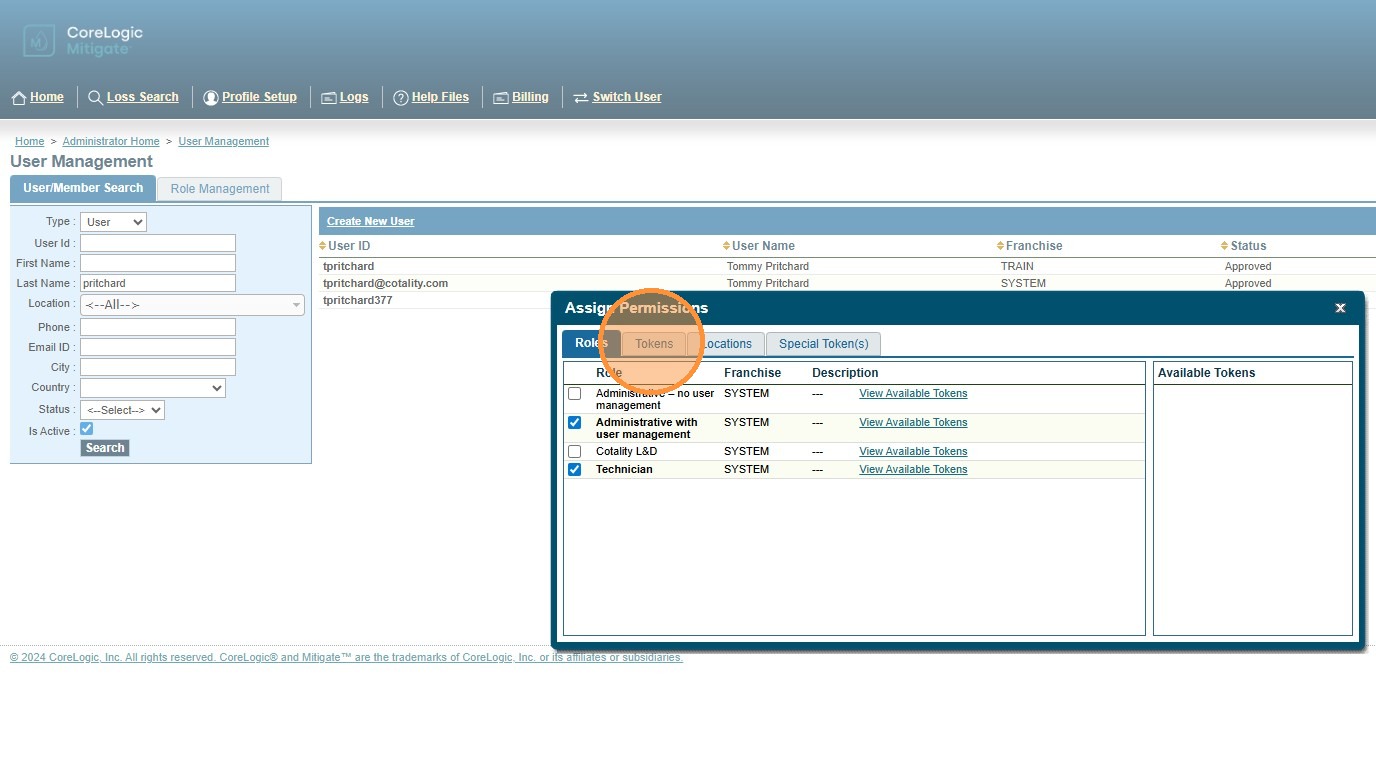
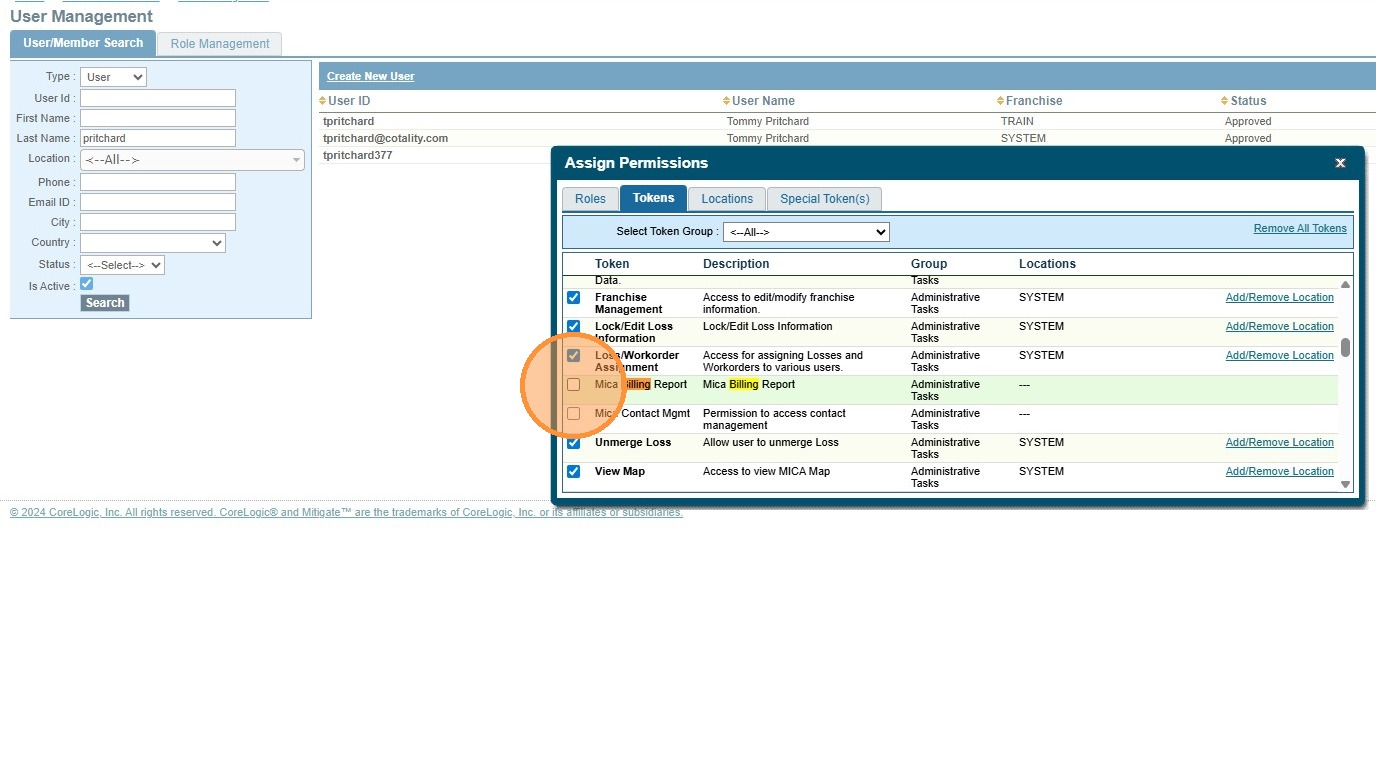
Generating a MICA Billing Report Modified on: Mon, 23 Feb, 2026 at 2:35 PM QuestionHow to generate MICA™ / Mitigate™ billing reportHow to get access to MICA Billing reportAdding MICA Billing Report token / security accessAnswerCotality™ Mitigate™: Generate MICA Billing Report1. Navigate to https://corelogic.micaexchange.com/ your site code (micaweb,pro,svm,rainbow,rytech,bms,puroclean,servpro)2. Click "Billing"3. Select the location, month and year that you would like to create the billing report for.Tip: Tip! If you have more than one location you will need access to each location in MICA be able to run the billing report.4. Click show report to have the billing report generate.Alert: Alert! If you do not see the billing tab at the top of your screen you will need the security token, please follow the steps below.5. From the Home page Click "Administrative Tasks"6. Click "User Management"7. Enter your username8. Click search9. Click "View/Set Permissions"10. Click "Tokens"11. Find the token named MICA Billing Report and option to enableAlert: Alert! To see new tokens users will need to log out and back in to see them take affect.Questions? Contact Us!