
Question
- How to add a missing wall
- How to create an opening on a wall between rooms
Answer
Follow the steps below to learn how to add a missing wall or an opening in a wall:
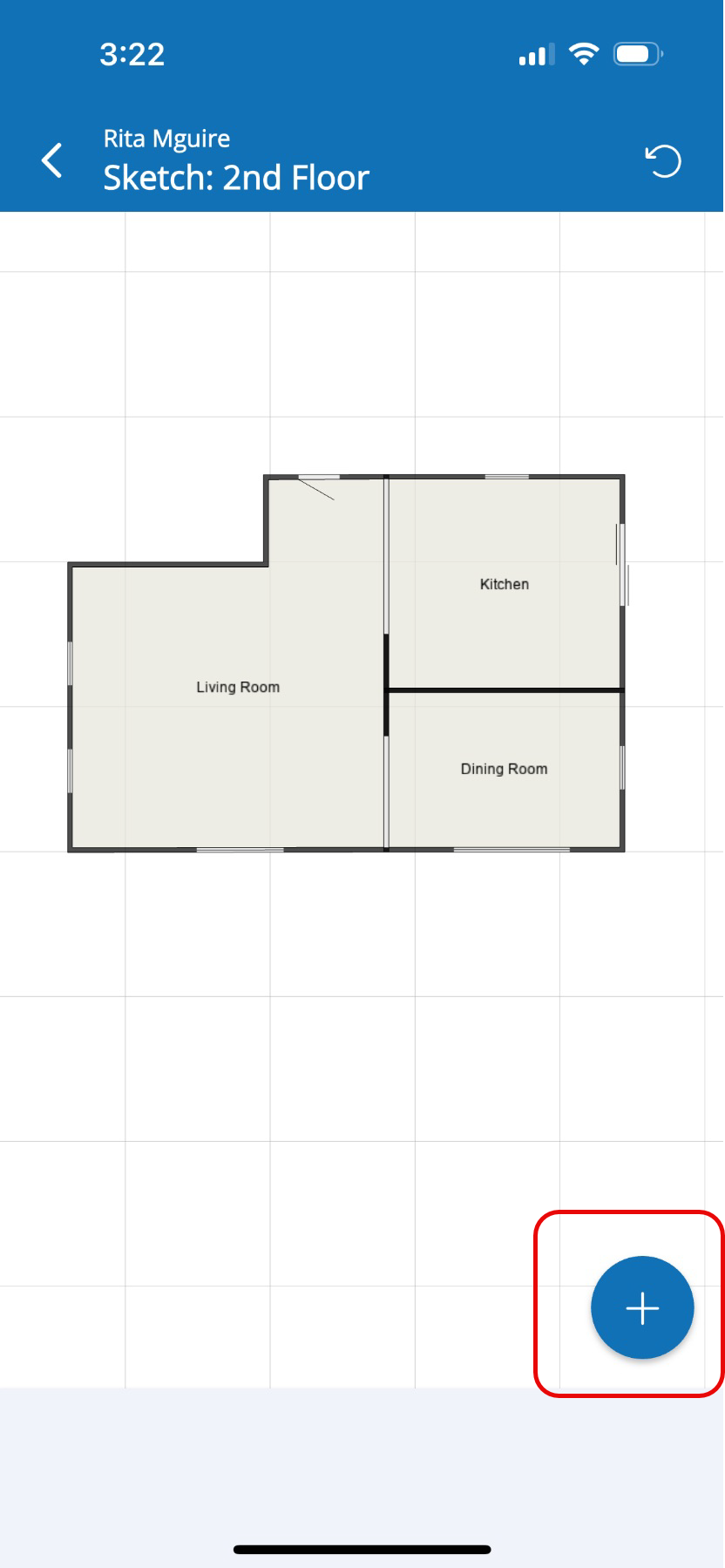
- Tap the Blue (+) icon at the bottom right of the sketch view to access the menu for adding a missing wall.
- Scroll down then select Missing Wall under the Modifiers category.
- Tap the wall that you want to make missing or have an opening.
- Select the room where you want the missing wall.
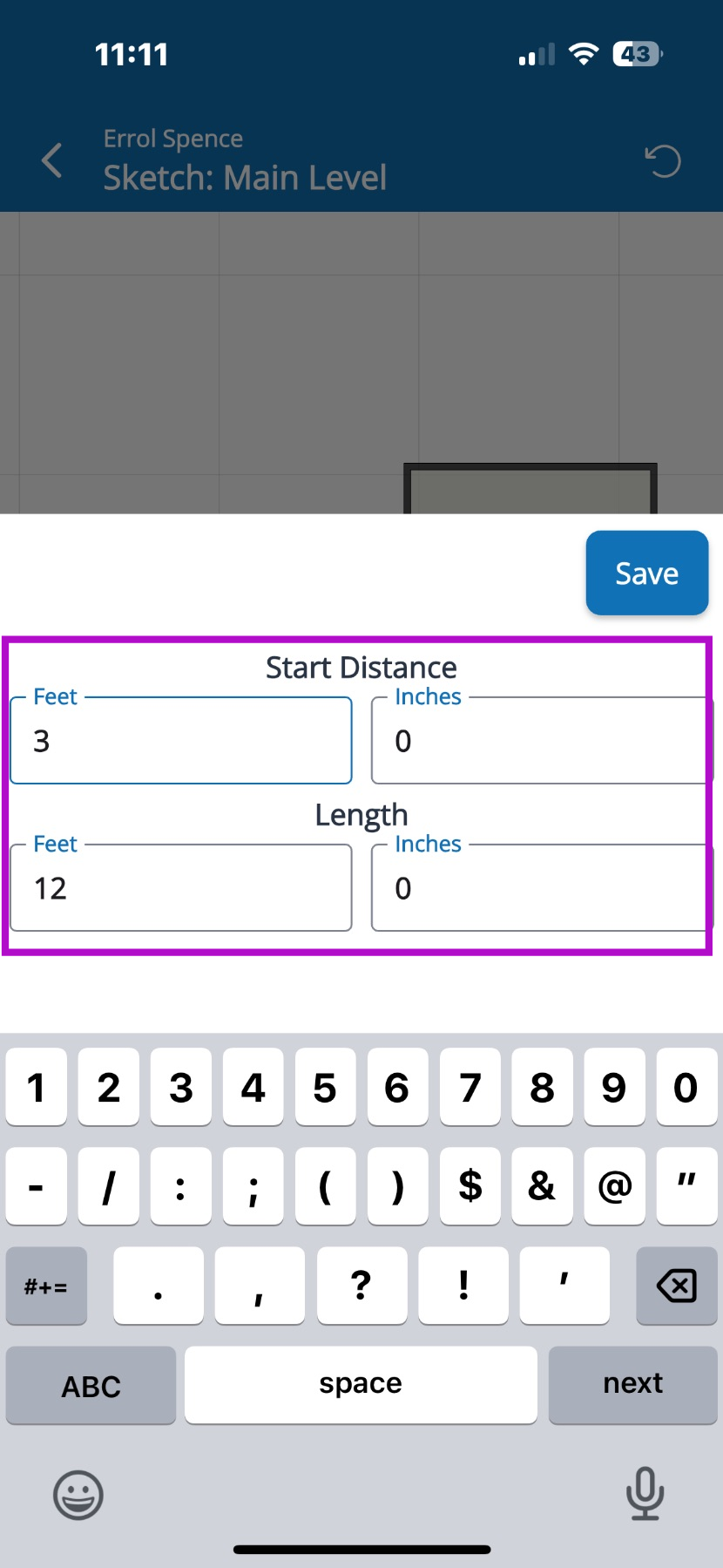
- To resize the missing wall opening, select the pencil icon.
- Enter the new start distance in feet and inches. Then tap Save to update the wall dimensions.
Questions? Contact Us!