
Question
- How to rotate a room in Mitigate sketch?
- Rotating a space in Mitigate™ mobile
Answer
Steps to rotate a room in Mitigate Mobile sketch:
- Tap the room you want to rotate.
- Tap the circled arrow icon found at the bottom of the page.
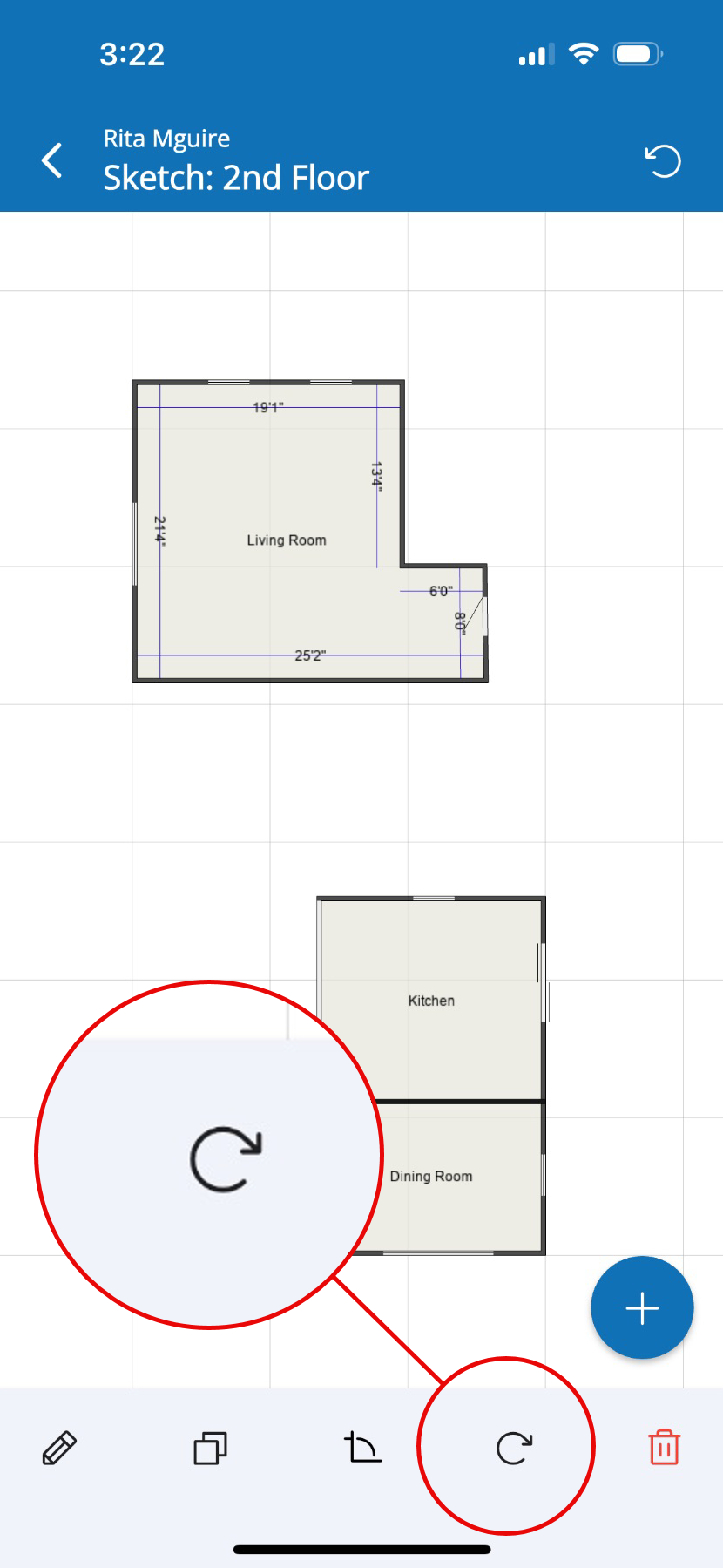
- Tap again, until you have the room rotated in the wanted position.
- Do not confuse the circle arrow icon found on the top right of the screen. This will undo your last action.